Dashboard
This documentation is actively maintained. Features described here may change as the platform evolves. Last reviewed: February 2025.
The Dashboard (also called Overview) is the first thing you see when you log in. It shows a personalized summary of what matters most to you based on your role.
Your Role on This Page
- Admin
- Department Lead
- Team Lead
- Member
As an Admin, you see the full dashboard with all widgets, department overview, and pending approvals. You have visibility into organization-wide metrics, pending milestones, pending tasks, and pending leave requests. You can also create company-wide announcements.
As a Department Lead, you see a department-scoped dashboard with pending reviews, team metrics, and department-level task activity. You can see tasks in your department waiting for review and monitor your department's weekly performance.
As a Team Lead, you see a team-scoped dashboard with assigned tasks, team velocity, and team-level weekly task charts. You can monitor your team's performance and task completion trends.
As a Member, you see a personal dashboard with your tasks, upcoming deadlines, and your personal task activity chart. Your dashboard focuses on work assigned directly to you.
What Everyone Sees
- Greeting with your name and the current date/time
- Announcements — Company-wide announcements posted by administrators
- Daily Timeline — A timeline of today's scheduled events
- Department Lead
- Team Lead
- Member
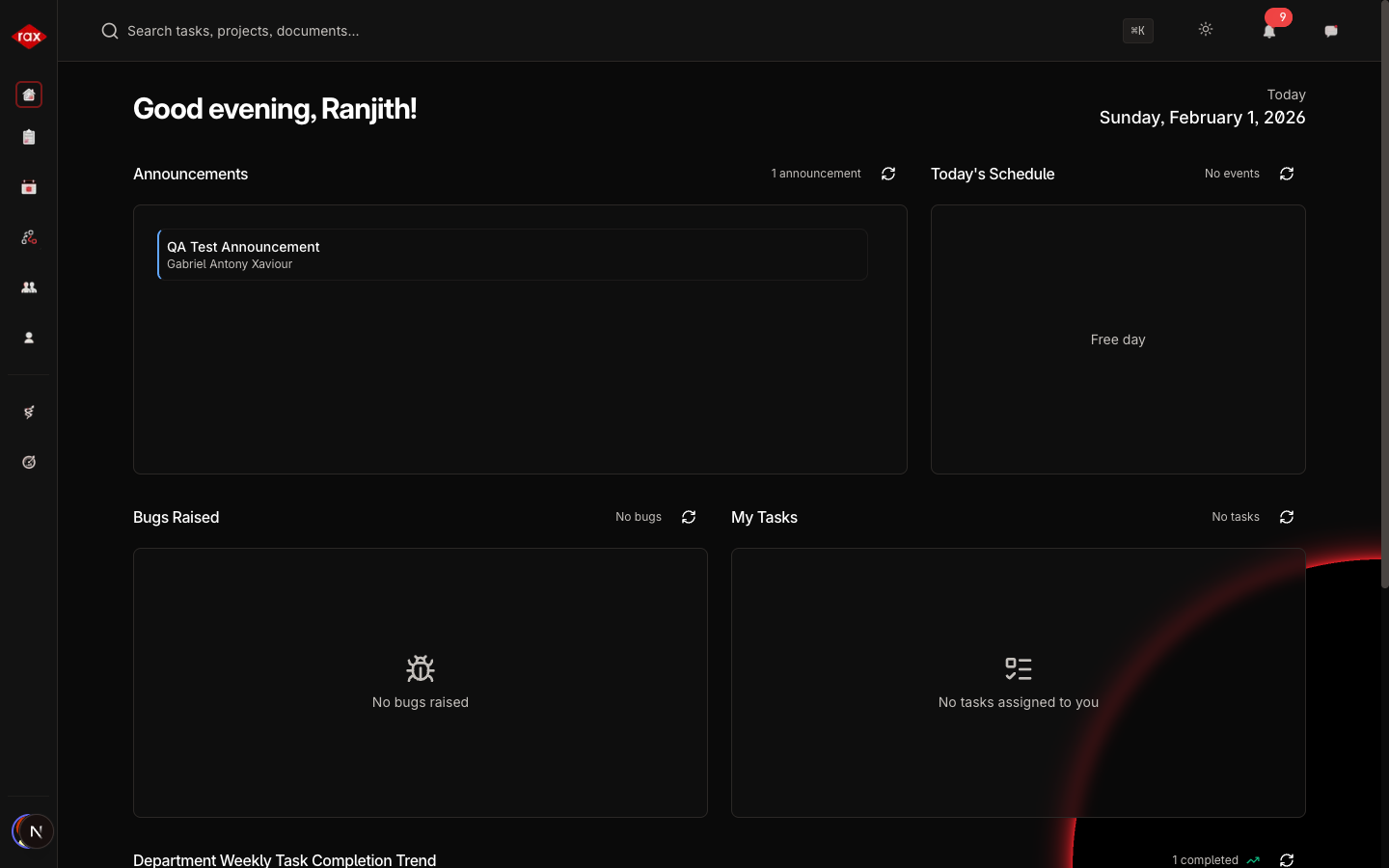
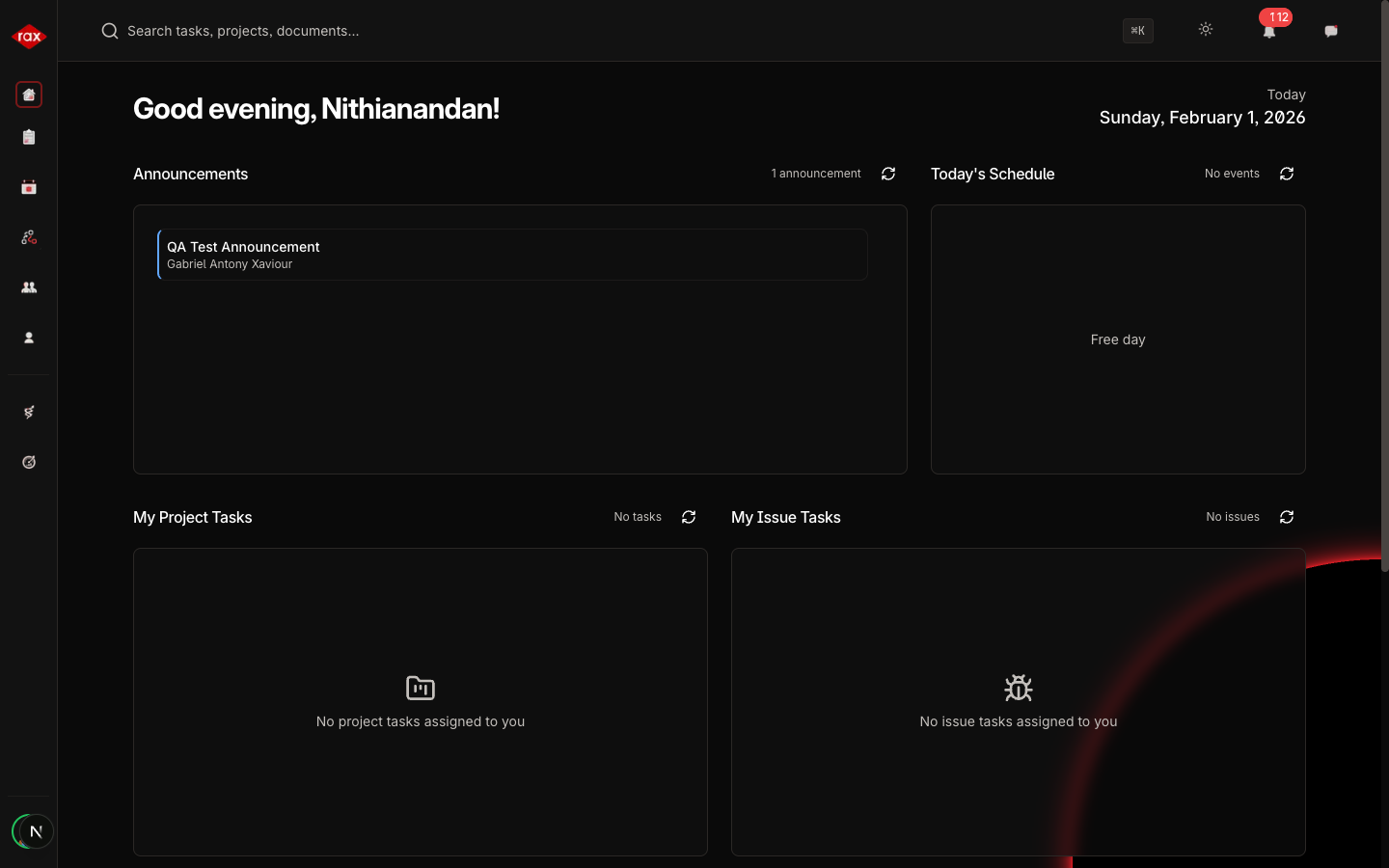
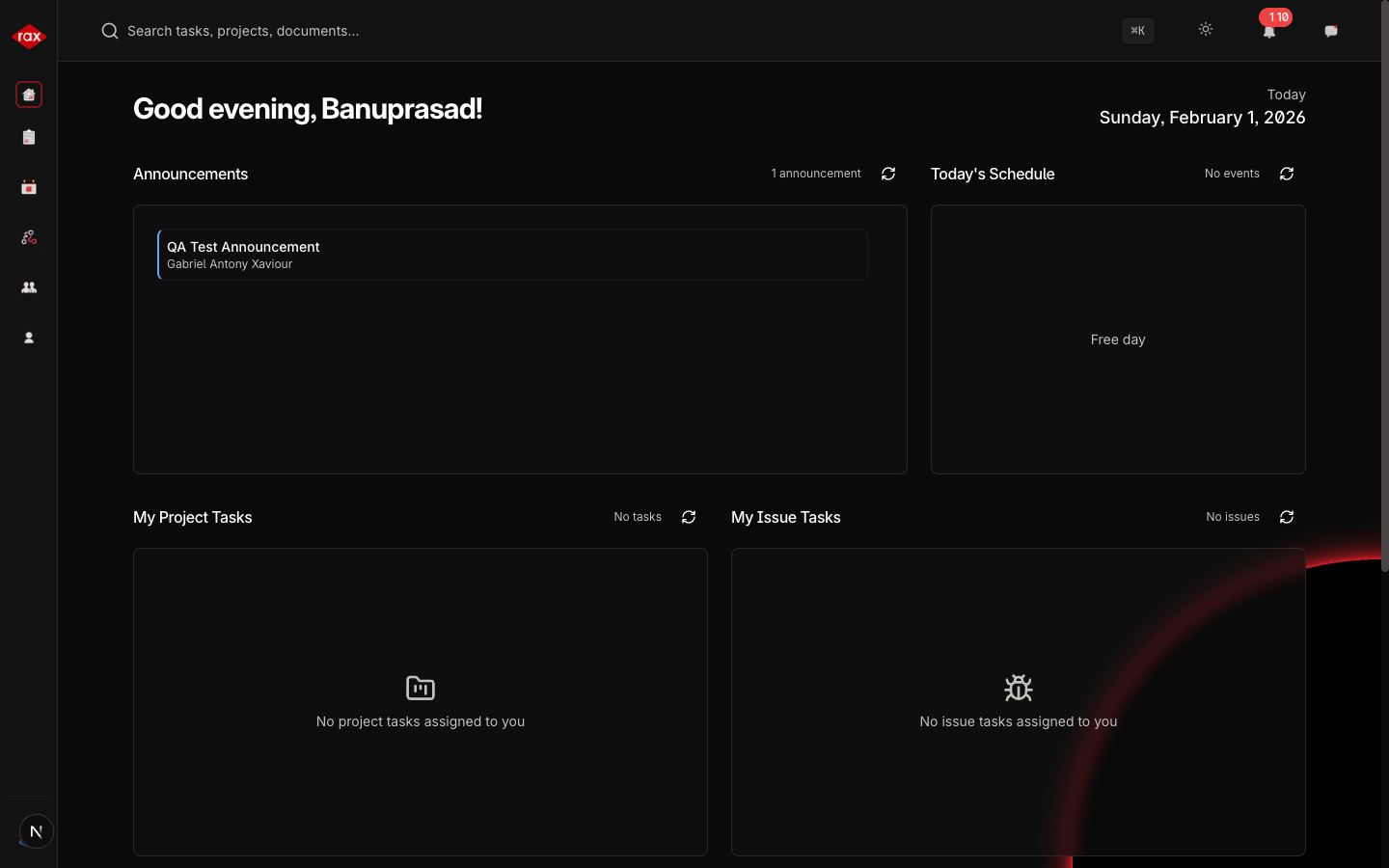
Role-Specific Sections
Administrator View
| Section | Description |
|---|---|
| Pending Milestones | Project milestones waiting for your review |
| Pending Tasks | Tasks awaiting your approval |
| Pending Leave Requests | Leave requests that need to be approved or rejected |
| Weekly Tasks Chart | Organization-wide task completion chart for the week |
Department Lead View
| Section | Description |
|---|---|
| Department Review Tasks | Tasks in your department waiting for review (or bugs raised, for the testing department) |
| My Assigned Tasks | Tasks assigned directly to you |
| Weekly Tasks Chart | Department-level task activity for the week |
Team Member View
| Section | Description |
|---|---|
| My Project Tasks | Tasks from projects you're working on |
| My Issue Tasks | Issues or bugs assigned to you |
| Weekly Tasks Chart | Your personal task activity for the week |
Announcements
Announcements appear at the top of the dashboard. Only administrators can create announcements.
To create an announcement (Admin only):
- Click the Create Announcement button on the dashboard
- Enter your announcement text
- Click Submit
All users will see the announcement on their dashboard.
Unread Messages & Notifications
The dashboard also provides quick access to:
- Unread messages — Recent messages you haven't read yet
- Unread notifications — Alerts for task assignments, status changes, and more
Click on any item to navigate directly to the relevant feature.