Activity
This documentation is actively maintained. Features described here may change as the platform evolves. Last reviewed: February 2025.
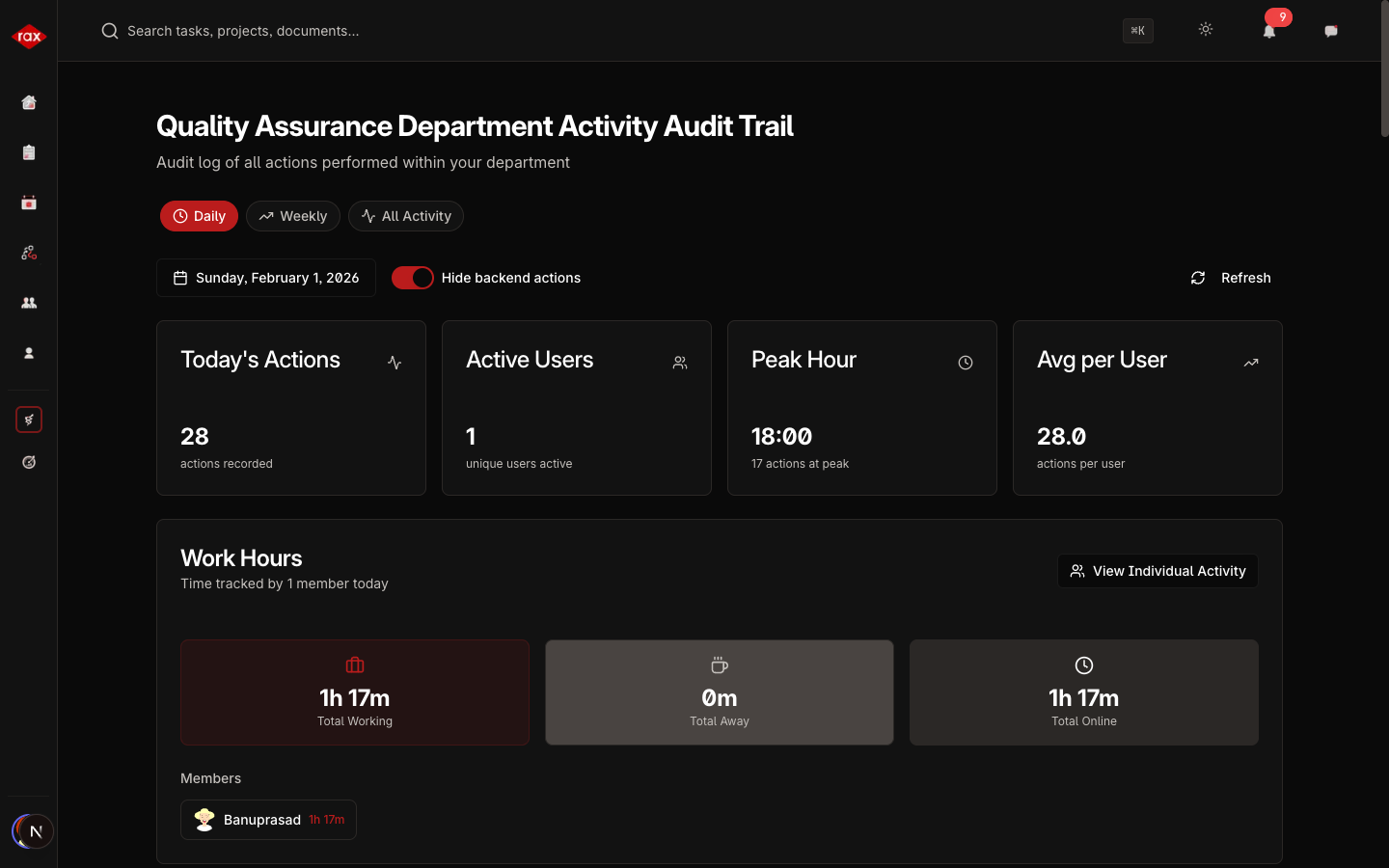
The Activity page is an audit trail and work-tracking tool. It shows what's happening across the organization, including task updates, work hours, and user actions. Only Administrators, Department Leads, and Team Leads can access this page.
View Modes
| View | Description |
|---|---|
| Daily | Activity for a single selected day |
| Weekly | Activity aggregated across a selected week |
| All Activity | Custom date range with full history |
Daily Activity View
Select a date to see:
Summary Statistics
- Total Actions — How many actions were performed
- Active Users — Number of people who were active
- Peak Hour — The busiest hour of the day
- Average per User — Average actions per active user
Work Hours Breakdown
- Total Working Hours — Combined hours tracked by all users
- Total Online Time — Time users were active in the app
- Total Away Time — Time users were idle
For each team member, you can see:
- Individual working hours
- Tasks they worked on
- Time spent per task
Activity Timeline
A chronological list of every action performed, showing:
- Who performed the action
- What they did (Created, Updated, Deleted, etc.)
- Which resource was affected (Task, Project, User, etc.)
- When it happened
Filtering
Use the filters to narrow down the activity view:
- Department — Show only a specific department (admin only)
- Team — Show only a specific team (admin/dept lead)
- Search — Search for specific actions or users
- Hide Backend Actions — Toggle to hide system-generated actions
Individual Activity
Click on a user in the activity view to see their detailed log:
- All actions they performed
- Work hours for the selected period
- Tasks they worked on with time allocation
Scope
What you see depends on your role:
- Admin — Organization-wide activity
- Department Lead — Activity within your department
- Team Lead — Activity within your team
The Activity page is useful for tracking team productivity, auditing changes, and understanding work patterns. Use the daily view during standups to review what the team accomplished yesterday.