Analytics
This documentation is actively maintained. Features described here may change as the platform evolves. Last reviewed: February 2, 2026.
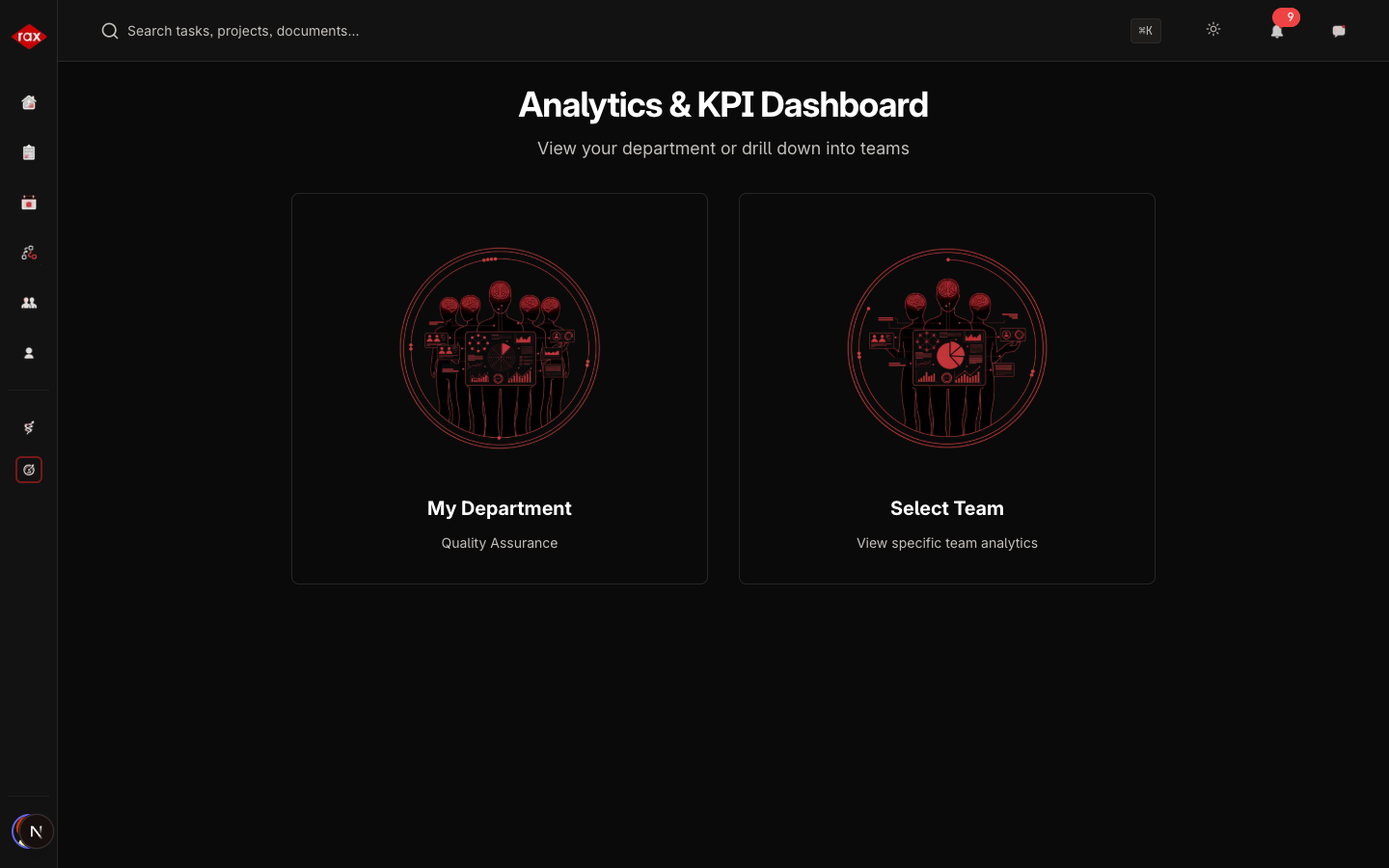
The Analytics section provides detailed charts and reports beyond the basic KPI score. These are available as tabs within the KPI page.
Analytics Tabs
Weighted Delivery
Measures task completion weighted by priority:
- Higher-priority tasks carry more weight in the score
- Shows delivery efficiency over time
- Tracks on-time delivery rate by priority level
Project Health
A radar chart showing multiple health dimensions:
- Schedule adherence
- Budget utilization
- Task completion rate
- Quality metrics
- Risk indicators
Useful for getting a quick visual overview of how projects are performing across multiple dimensions.
Quality Metrics (Bug Density)
Tracks code quality through bug-related metrics:
- Bug density (bugs per task or per project)
- Bug trends over time
- Defect rates by team or department
Velocity & Burn
Sprint and delivery velocity tracking:
- Velocity chart — How many tasks/points completed per period
- Burn-down chart — Remaining work over time
- Throughput — Tasks completed per day/week
Resources
Organization-wide resource management:
- Resource heatmap — Visual grid showing team utilization levels
- Project-wise allocation — How resources are distributed across projects
- Capacity planning — Available vs utilized capacity per team
Trends
Historical performance data:
- Performance score over time
- Task completion trends
- On-time delivery rate trends
- Month-over-month comparisons
Leaderboard
Top performers ranking:
- Ranked by overall performance score
- Shows tasks completed and on-time rate
- Scoped to team, department, or organization based on your role
Use the Analytics dashboards during team reviews and planning sessions. The Trends tab is especially useful for identifying long-term patterns in team productivity.