Enquiries
Work in Progress
This documentation is actively maintained. Features described here may change as the platform evolves. Last reviewed: February 2025.
Enquiries capture incoming sales leads and track them through a status pipeline. They represent the first stage of the sales lifecycle.
Screenshot
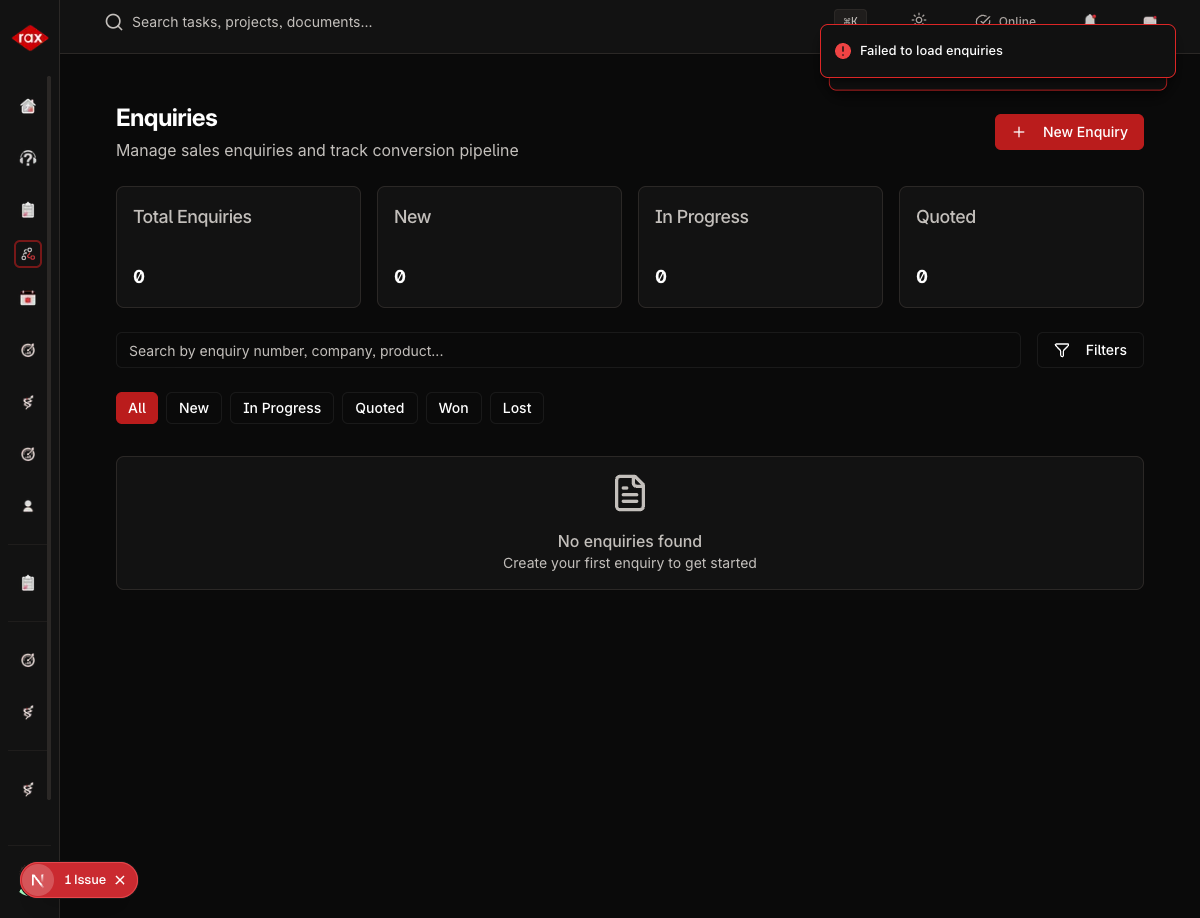
Viewing Enquiries
Enquiries can be viewed in two modes:
List View
- Go to Sales > Enquiries
- See all enquiries in a filterable table
- Filter by status, date range, or salesperson
- Click an enquiry to view details
Kanban View
- Go to Sales > Enquiries > Kanban
- See enquiries organized as cards in status columns
- Drag cards between columns to update status
- Quick visual overview of your pipeline
Screenshots Pending
Screenshots for this page will be added once the Production app pages are restored. The app is currently undergoing a codebase optimization.
Enquiry Statuses
| Status | Description |
|---|---|
| New | Freshly captured enquiry |
| Contacted | Initial contact made with the lead |
| Qualified | Lead confirmed as a real opportunity |
| Proposal Sent | Quote or proposal has been sent |
| Negotiation | In active negotiation |
| Won | Deal closed successfully |
| Lost | Deal did not close |
Creating an Enquiry
- Go to Sales > Enquiries
- Click New Enquiry
- Fill in the form:
| Field | Description |
|---|---|
| Title | Short description of the enquiry |
| Client | Select an existing client or enter new contact details |
| Source | How the lead came in (phone, email, referral, etc.) |
| Priority | Low, Medium, High |
| Expected Value | Estimated deal value |
| Expected Close Date | When you expect to close |
| Description | Detailed notes about the enquiry |
| Assigned To | Salesperson responsible |
- Click Create
Managing Enquiries
From the enquiry detail view:
- Update status — Move through the pipeline stages
- Add notes — Record interactions and updates
- Convert to quote — Create a quote directly from the enquiry
- Edit details — Update expected value, close date, etc.
Converting Enquiries
When an enquiry progresses, you can convert it:
- Enquiry → Quote — Create a formal quotation from the enquiry details
- The enquiry status updates automatically when a quote is created
tip
Use the Kanban view for a quick visual overview of your sales pipeline. Drag cards between columns to update statuses without opening each enquiry.