Reports
Work in Progress
This documentation is actively maintained. Features described here may change as the platform evolves. Last reviewed: February 2025.
The Reports module provides analytics and exportable reports across financial, performance, and client dimensions.
Screenshot
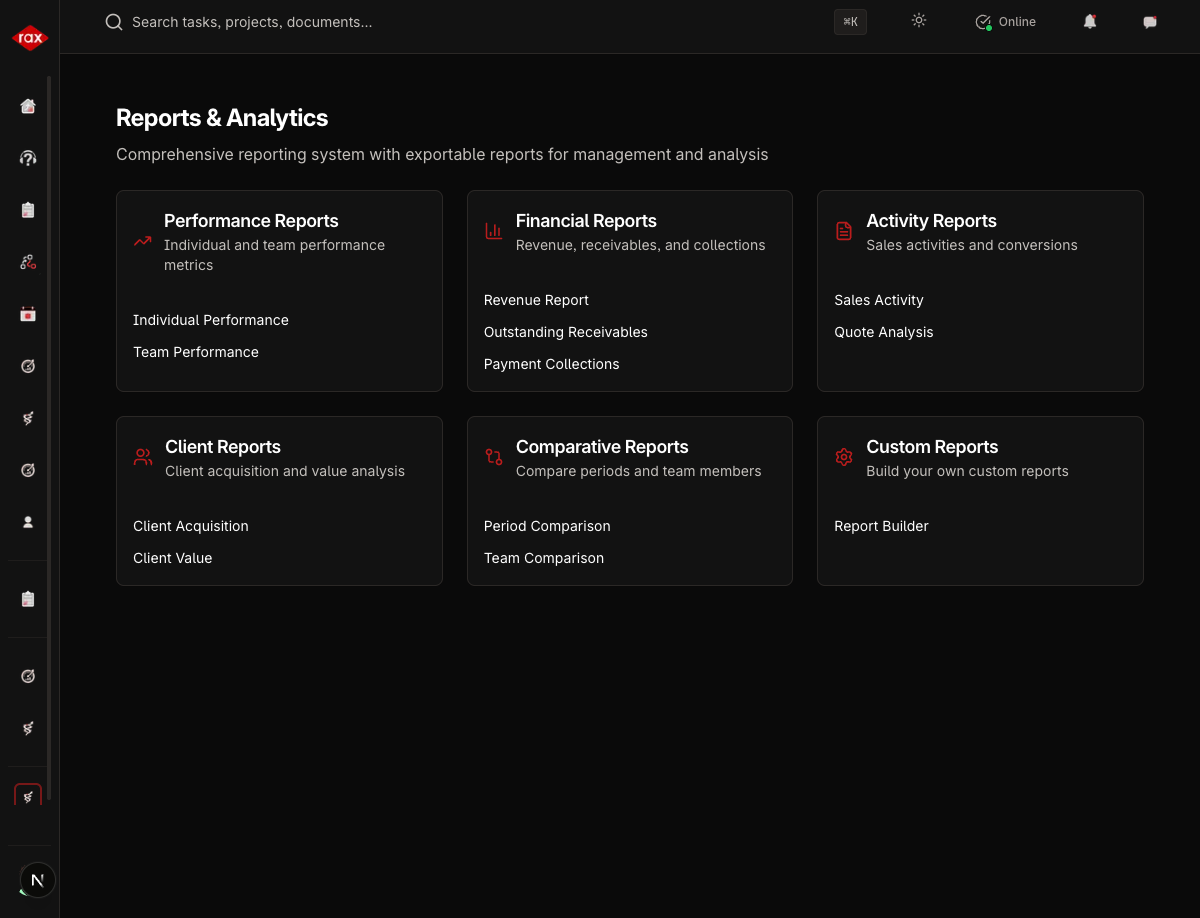
Accessing Reports
- Go to Sales > Reports
- Select the report category
- Apply filters (date range, salesperson, client)
- View the report or export it
Screenshots Pending
Screenshots for this page will be added once the Production app pages are restored. The app is currently undergoing a codebase optimization.
Report Categories
Financial Reports
| Report | Description |
|---|---|
| Revenue | Total revenue by period, client, or salesperson |
| Collections | Payments received vs. outstanding |
| Receivables | Aging analysis of unpaid invoices |
Performance Reports
| Report | Description |
|---|---|
| Individual Performance | Per-salesperson metrics (deals, revenue, activity) |
| Team Performance | Team-level aggregated metrics |
Activity Reports
| Report | Description |
|---|---|
| Quote Activity | Quotes created, sent, accepted, rejected |
| Sales Activity | Overall sales pipeline activity |
Client Reports
| Report | Description |
|---|---|
| Client Acquisition | New clients registered over time |
| Client Value | Revenue per client, top clients |
Comparative Reports
| Report | Description |
|---|---|
| Period Comparison | Compare metrics across different periods |
| Team Comparison | Compare performance between team members |
Custom Reports
Generate custom reports by selecting specific metrics and filters:
- Go to Sales > Reports
- Click Custom Report
- Select the metrics to include
- Set date range and filters
- Click Generate
Filtering Reports
All reports support:
- Date range — Select start and end dates
- Salesperson — Filter by individual (leads/admins only)
- Client — Filter by specific client
- Period grouping — Daily, weekly, monthly, quarterly
Exporting Reports
Reports can be exported for external use:
- PDF — Formatted report document
- Excel — Spreadsheet with raw data
Use the export button in the report viewer to download.
tip
Use period comparison reports at the end of each quarter to identify trends and adjust your sales strategy.