Shared Features
Work in Progress
This documentation is actively maintained. Features described here may change as the platform evolves. Last reviewed: February 2025.
Operations includes all features from Development in addition to the Production module. If you're looking for documentation on a shared feature, refer to the Development section.
Feature Cross-Reference
| Feature | Operations | Documentation |
|---|---|---|
| Dashboard | Yes | Dashboard |
| Tasks | Yes | Tasks |
| Projects | Yes | Projects |
| People | Yes | People |
| Calendar | Yes | Calendar |
| KPI & Analytics | Yes | KPI |
| Activity | Yes | Activity |
| Support | Yes | Support |
| Profile & Settings | Yes | Profile |
| Messaging | Yes | (Same as Development) |
| Notifications | Yes | (Same as Development) |
Differences from Development
The shared features work identically in Operations with these minor differences:
- The sidebar includes an additional Production section
- Production users see the Production Dashboard as their default home page instead of the standard Overview
- Production departments (PCB Assembly, Panel Assembly, Testing) appear alongside development departments in the People and KPI sections
tip
If you use both Development and Operations, the shared features will feel familiar — the interface and functionality are the same.
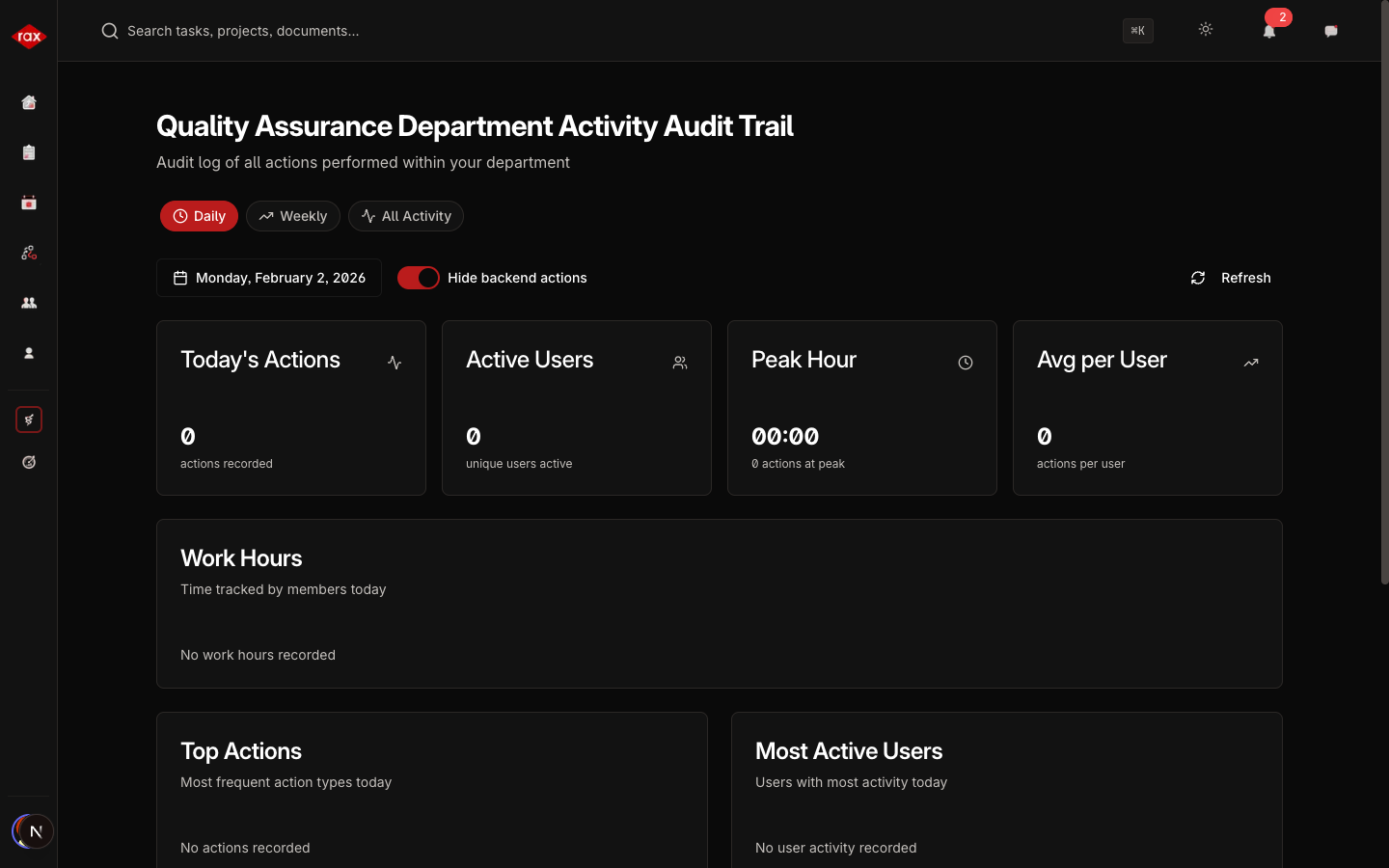
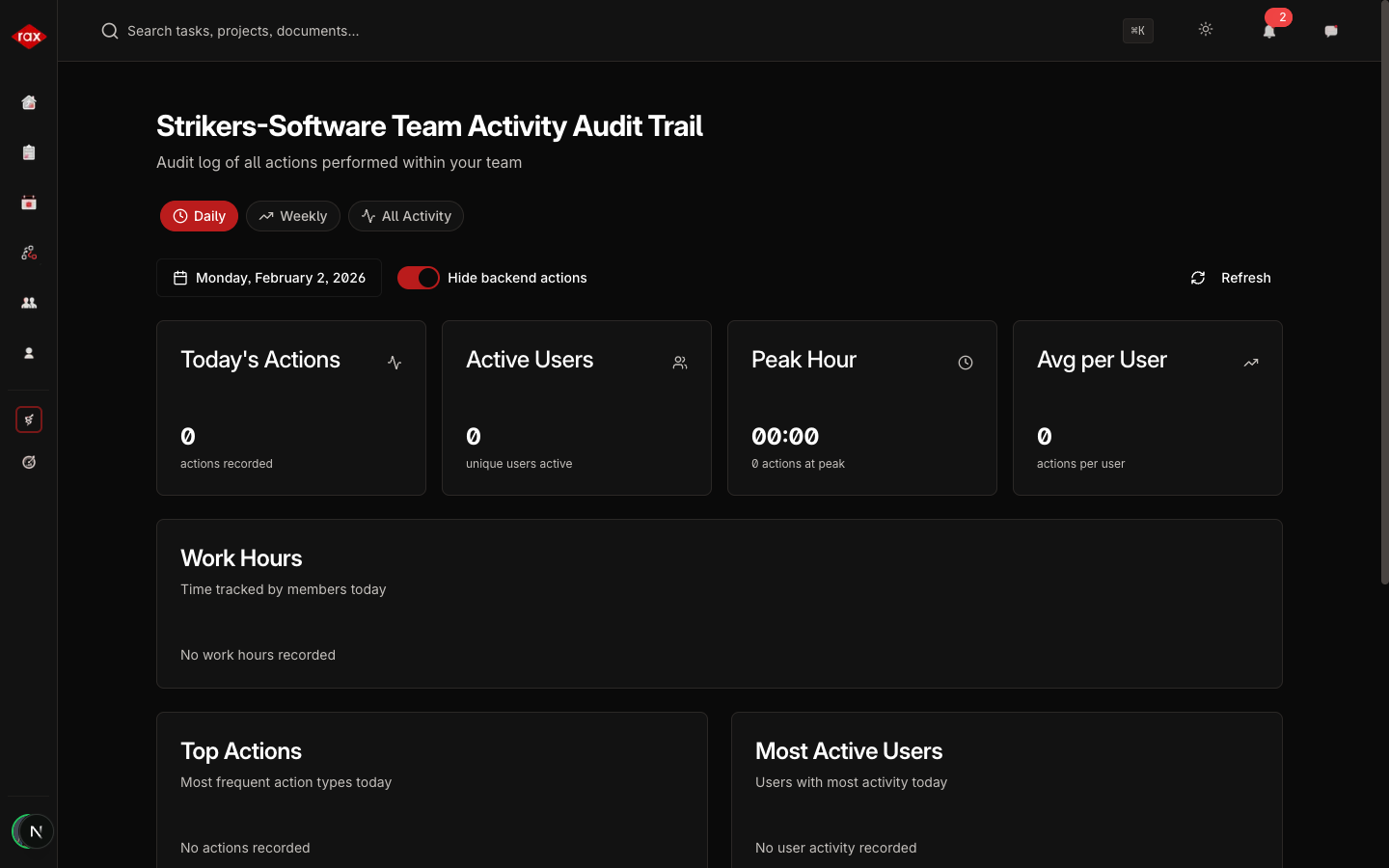
Screenshots from Operations
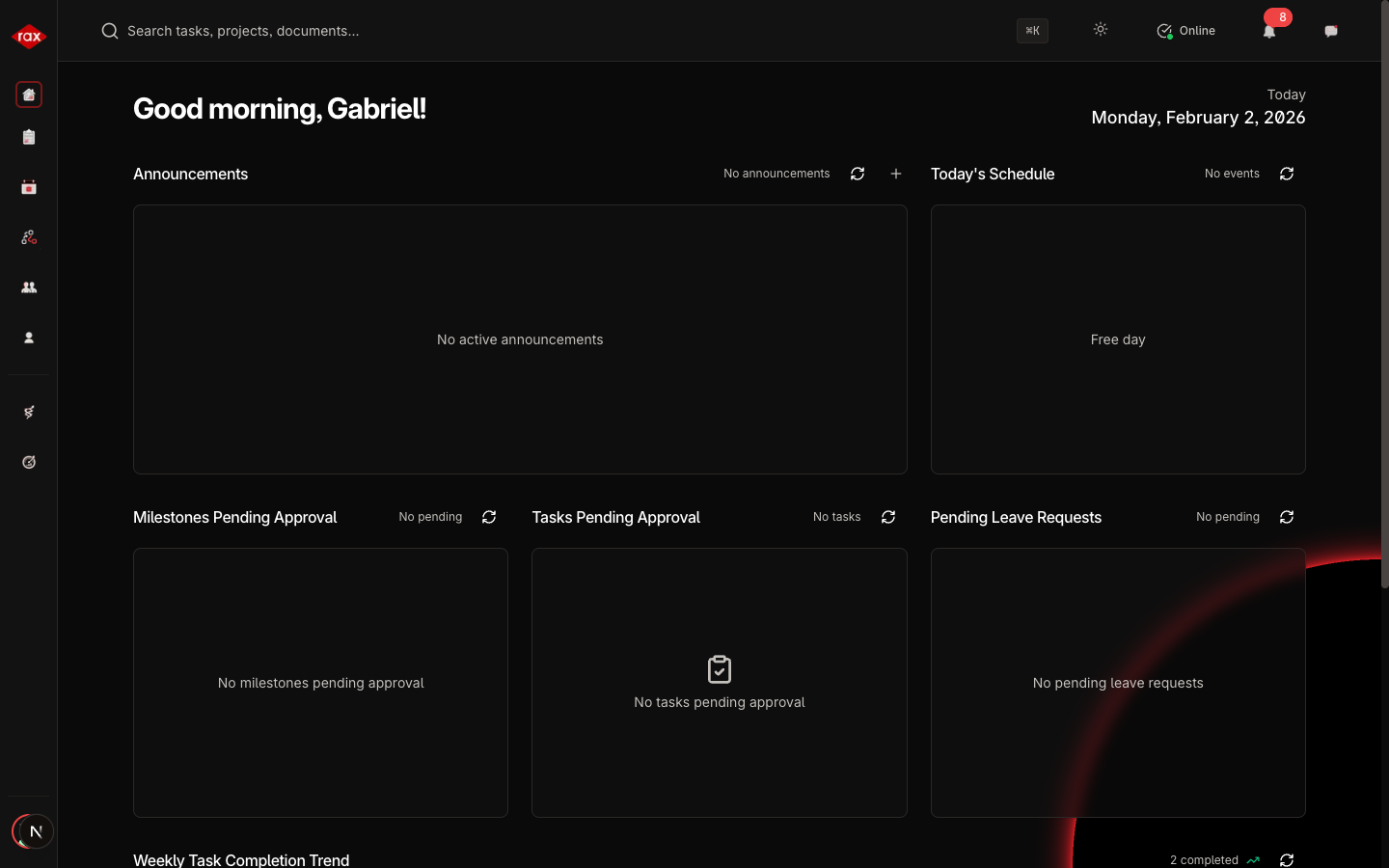
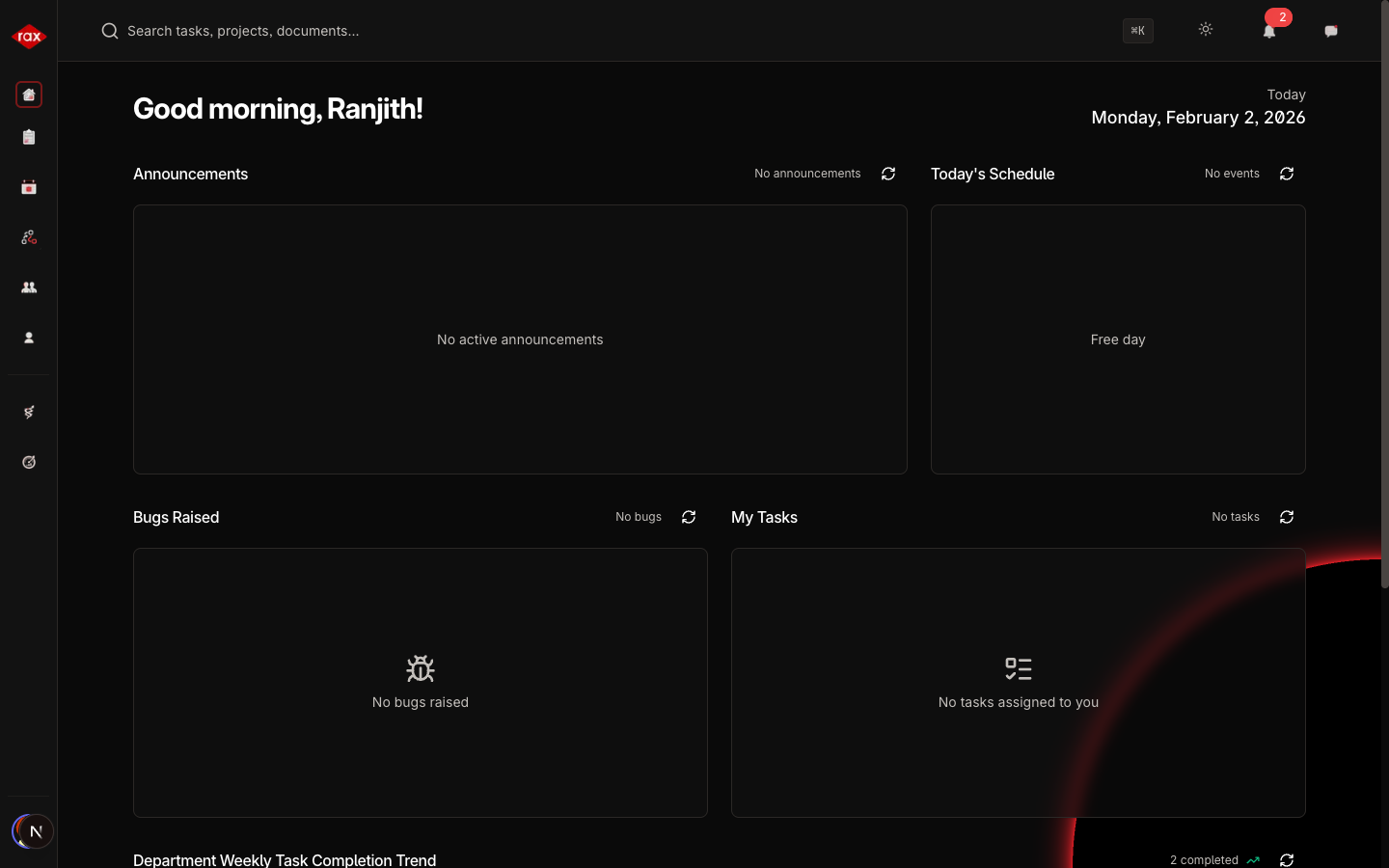
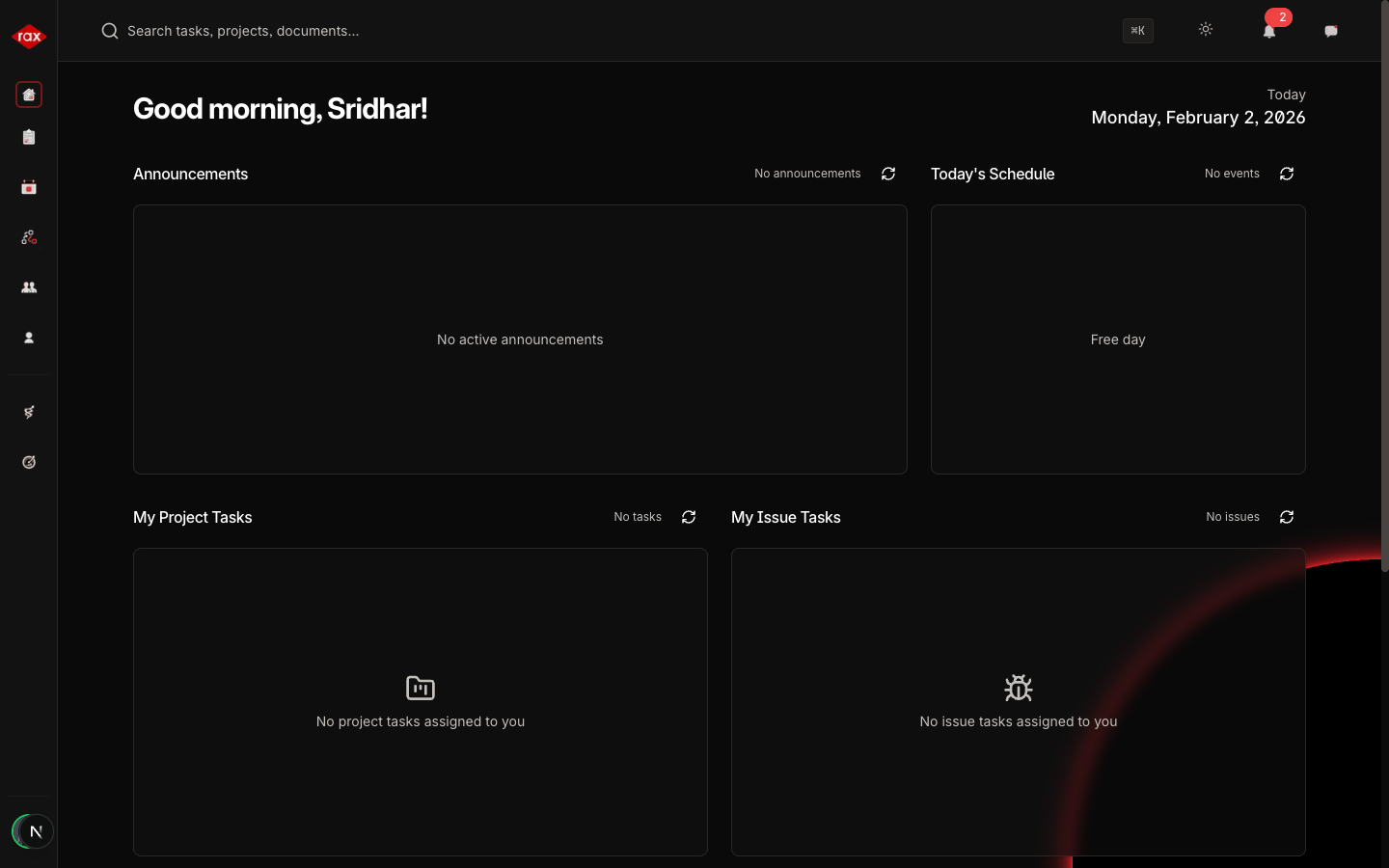
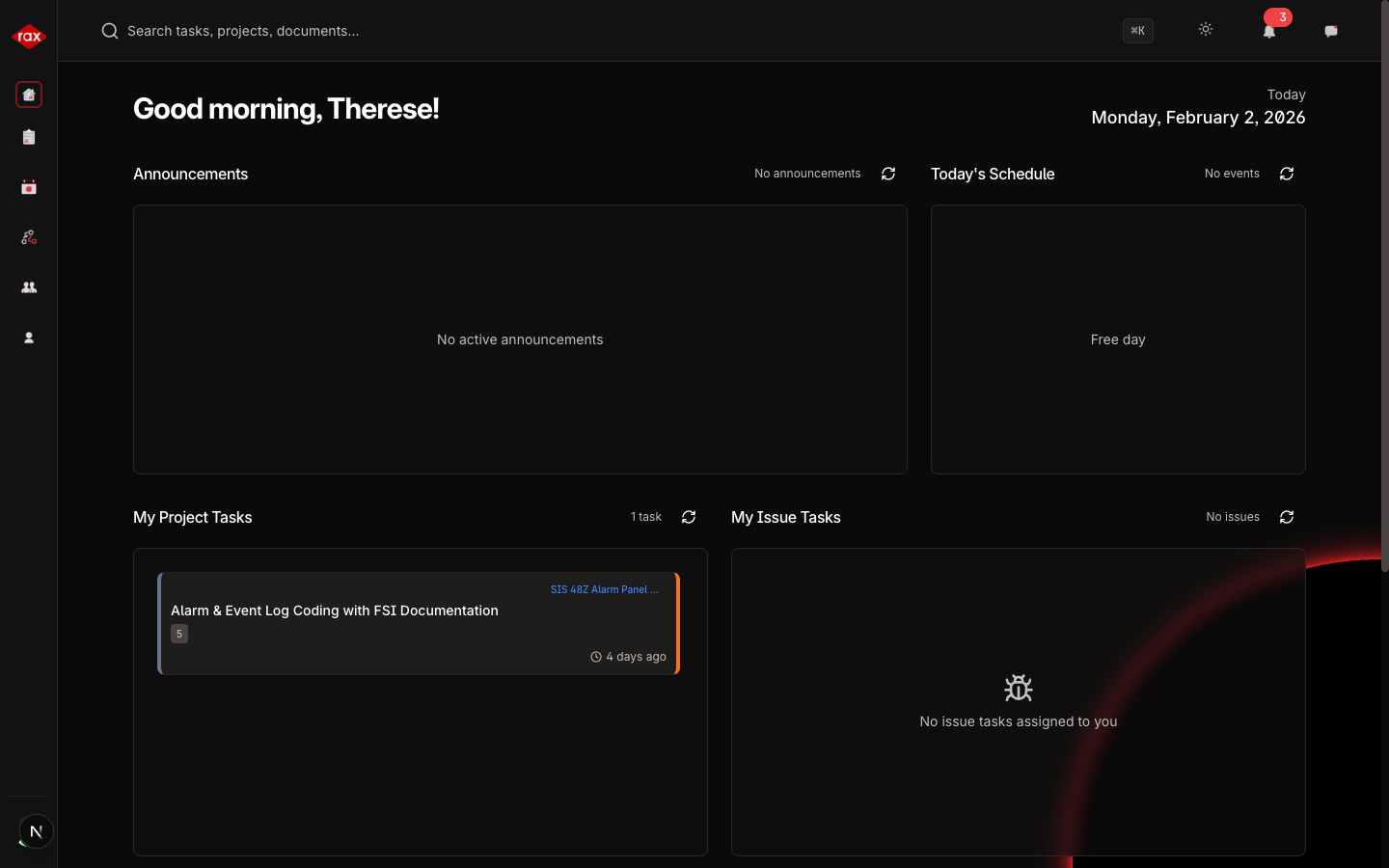
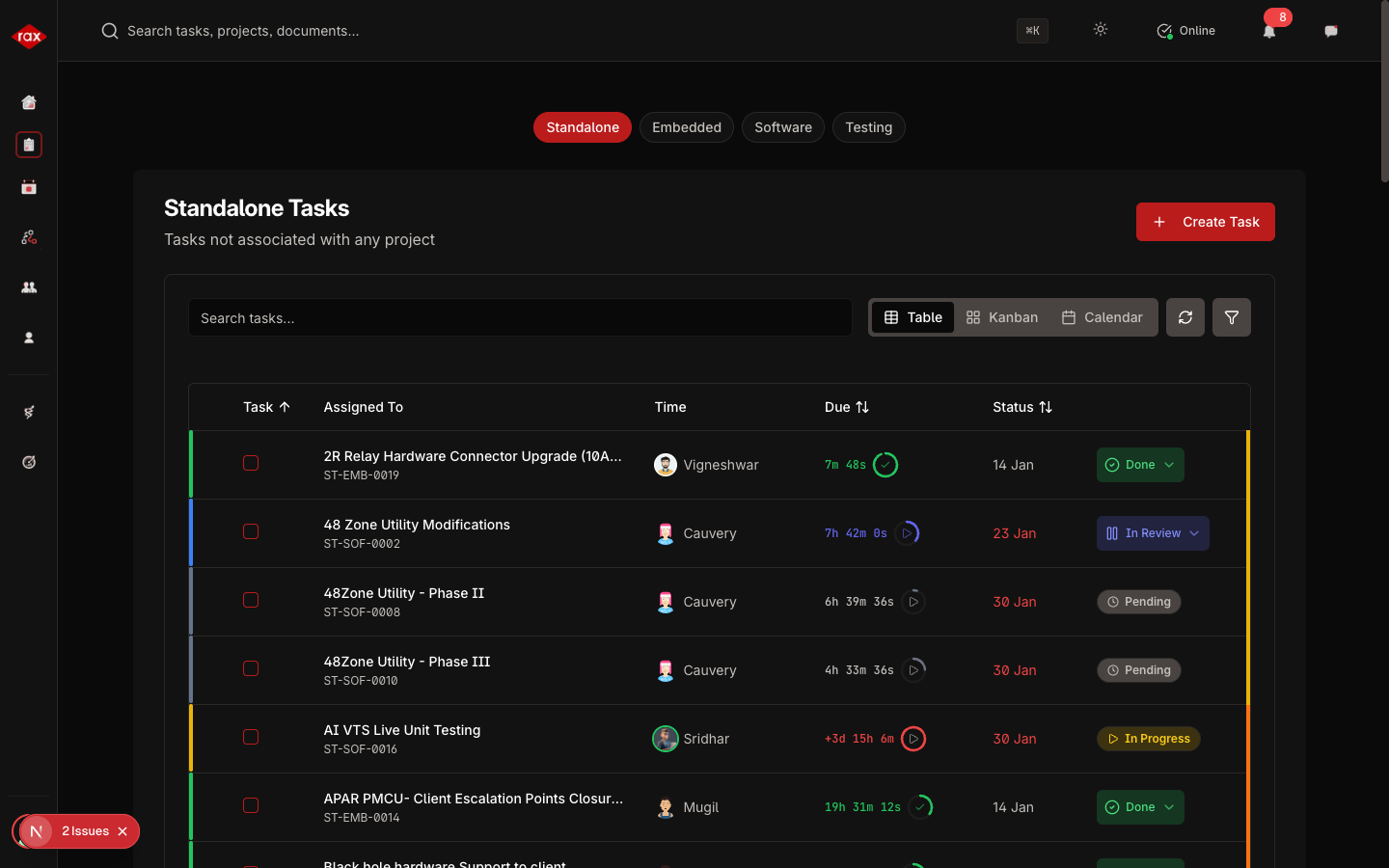
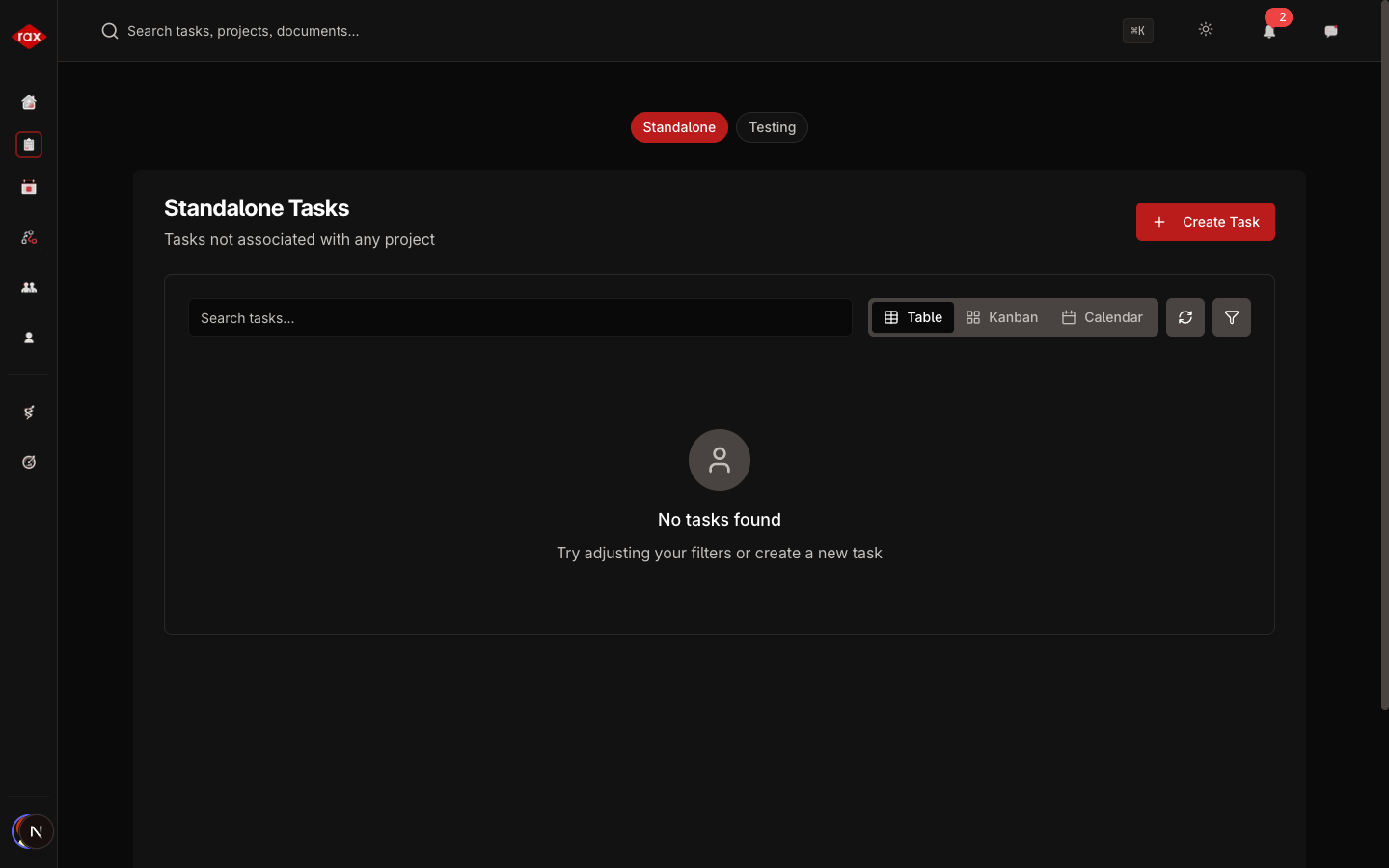
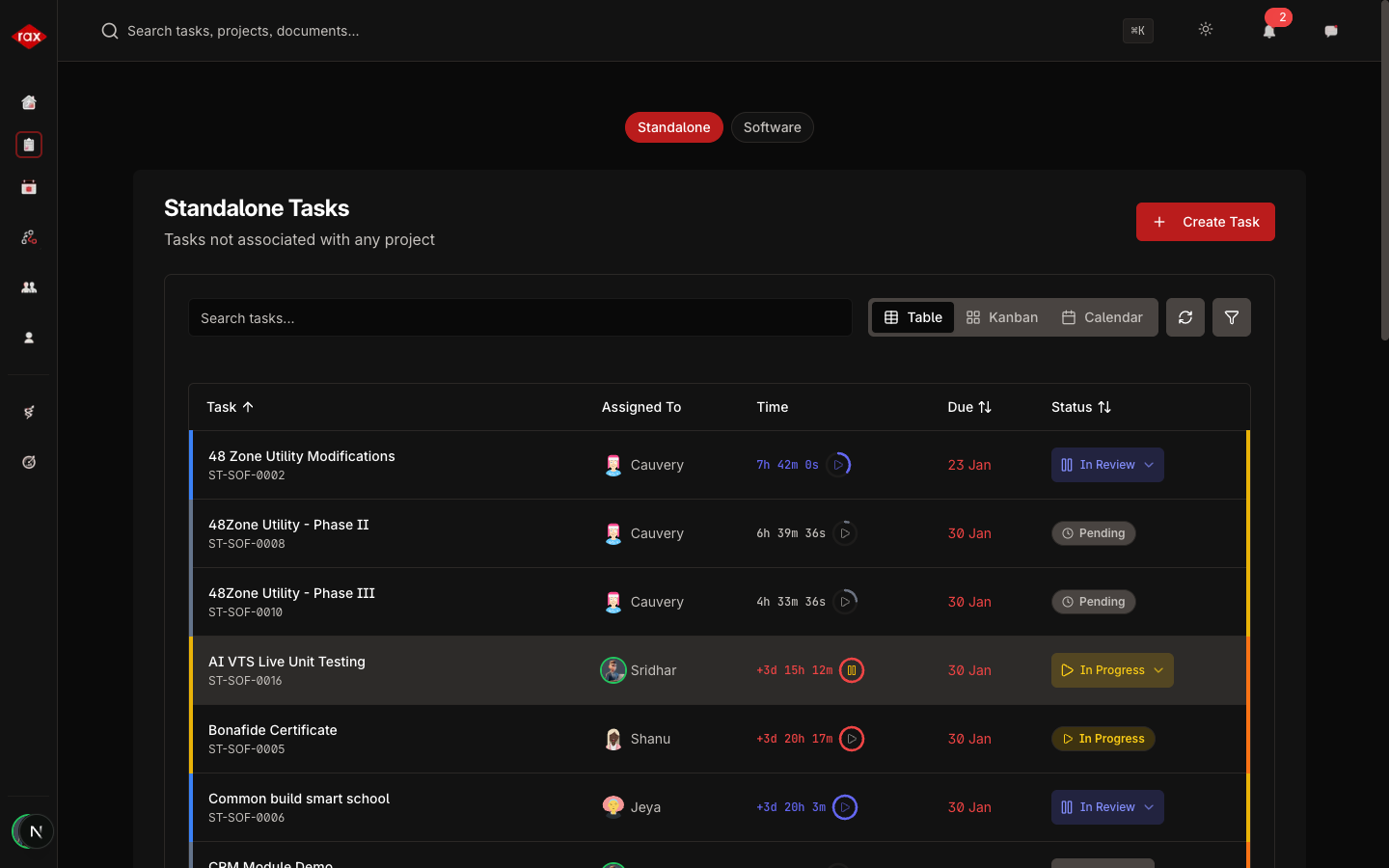
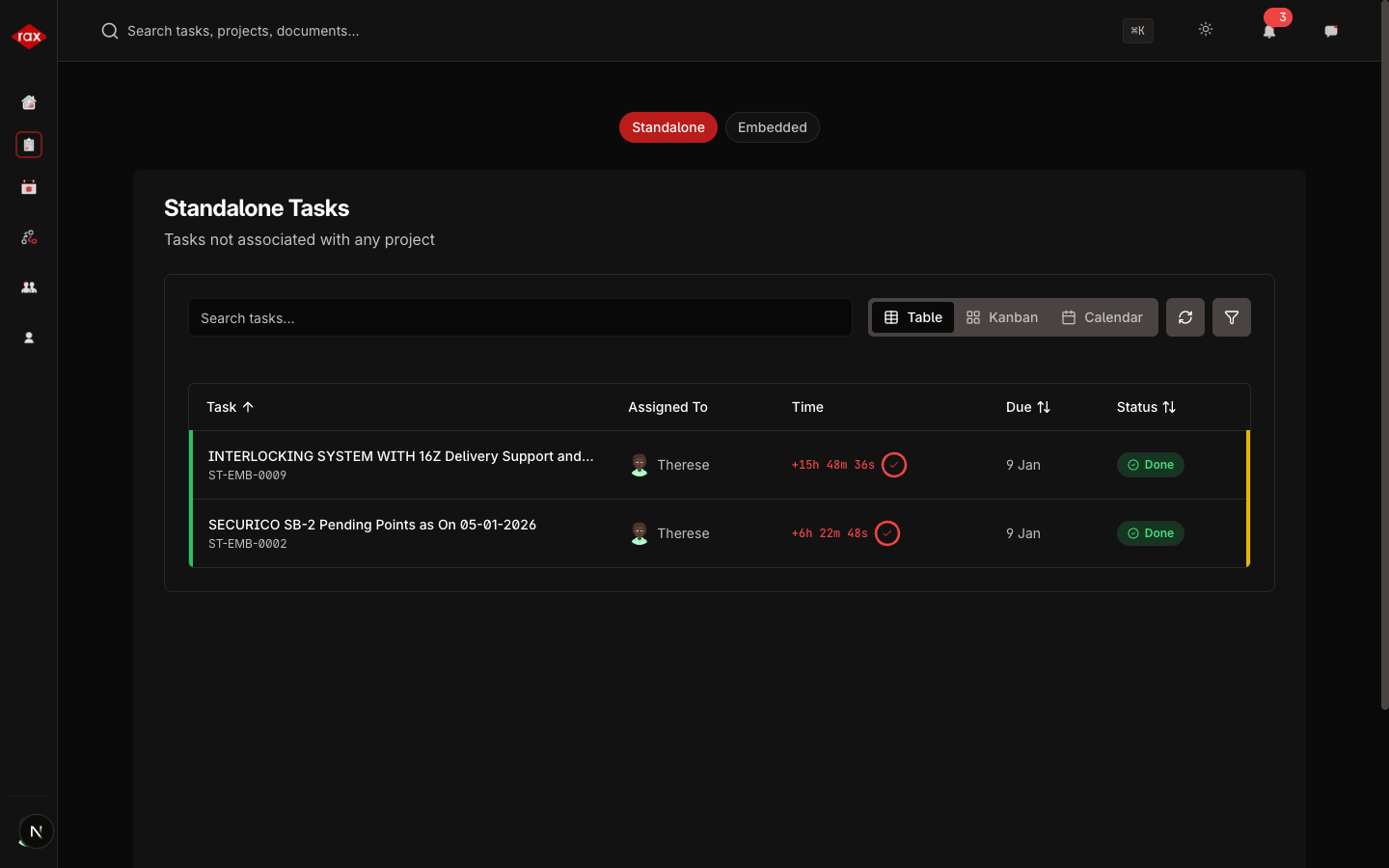
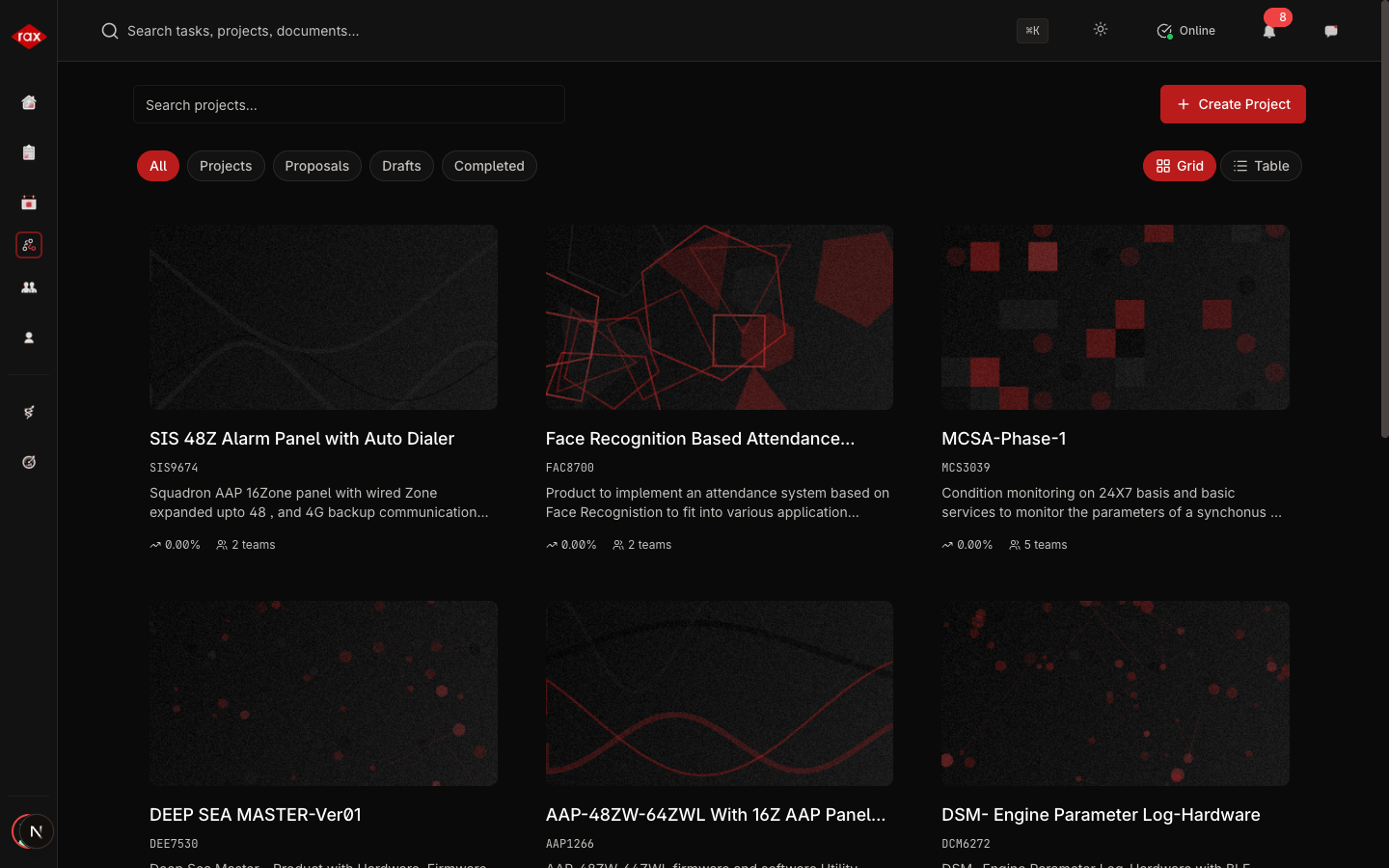
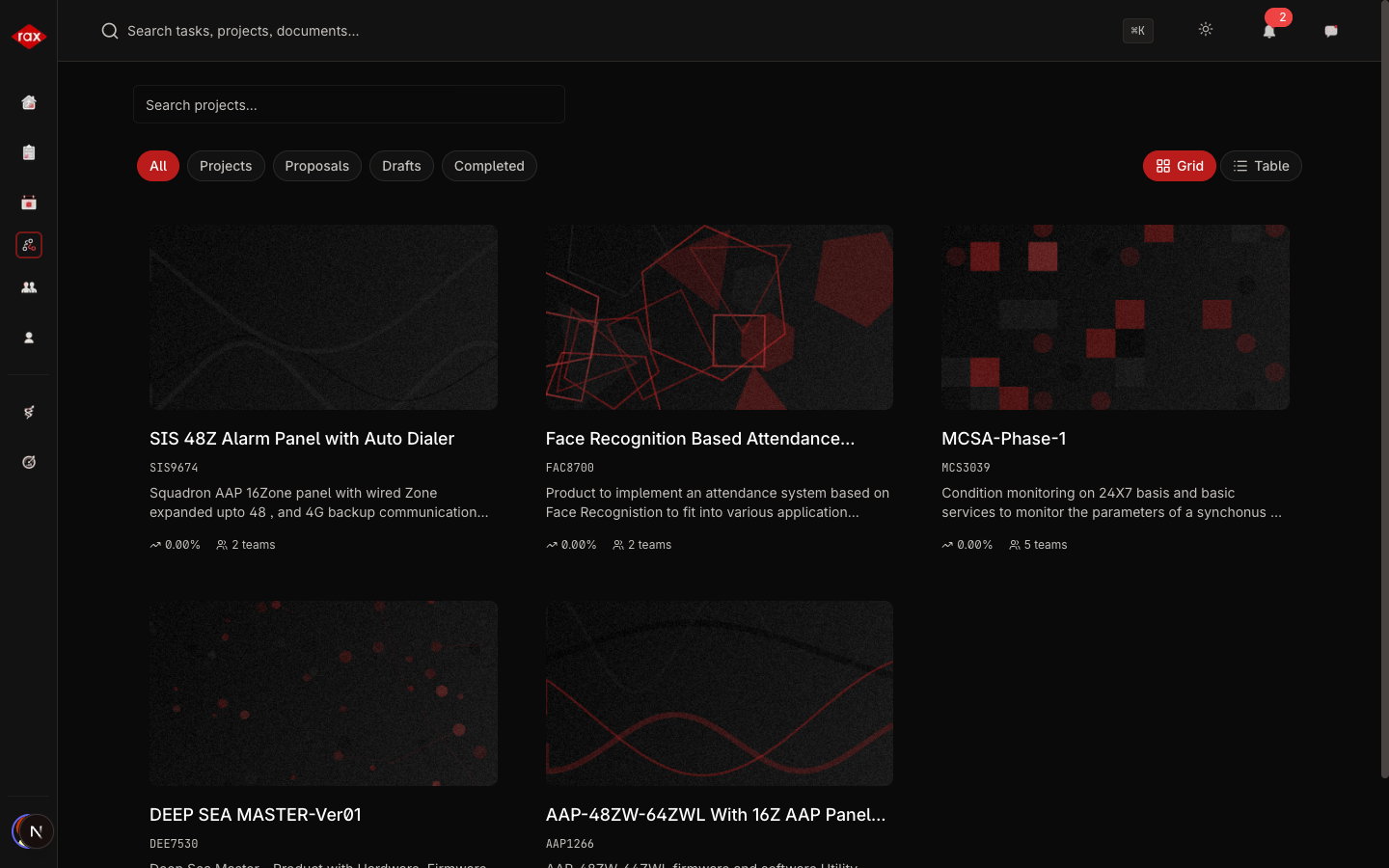
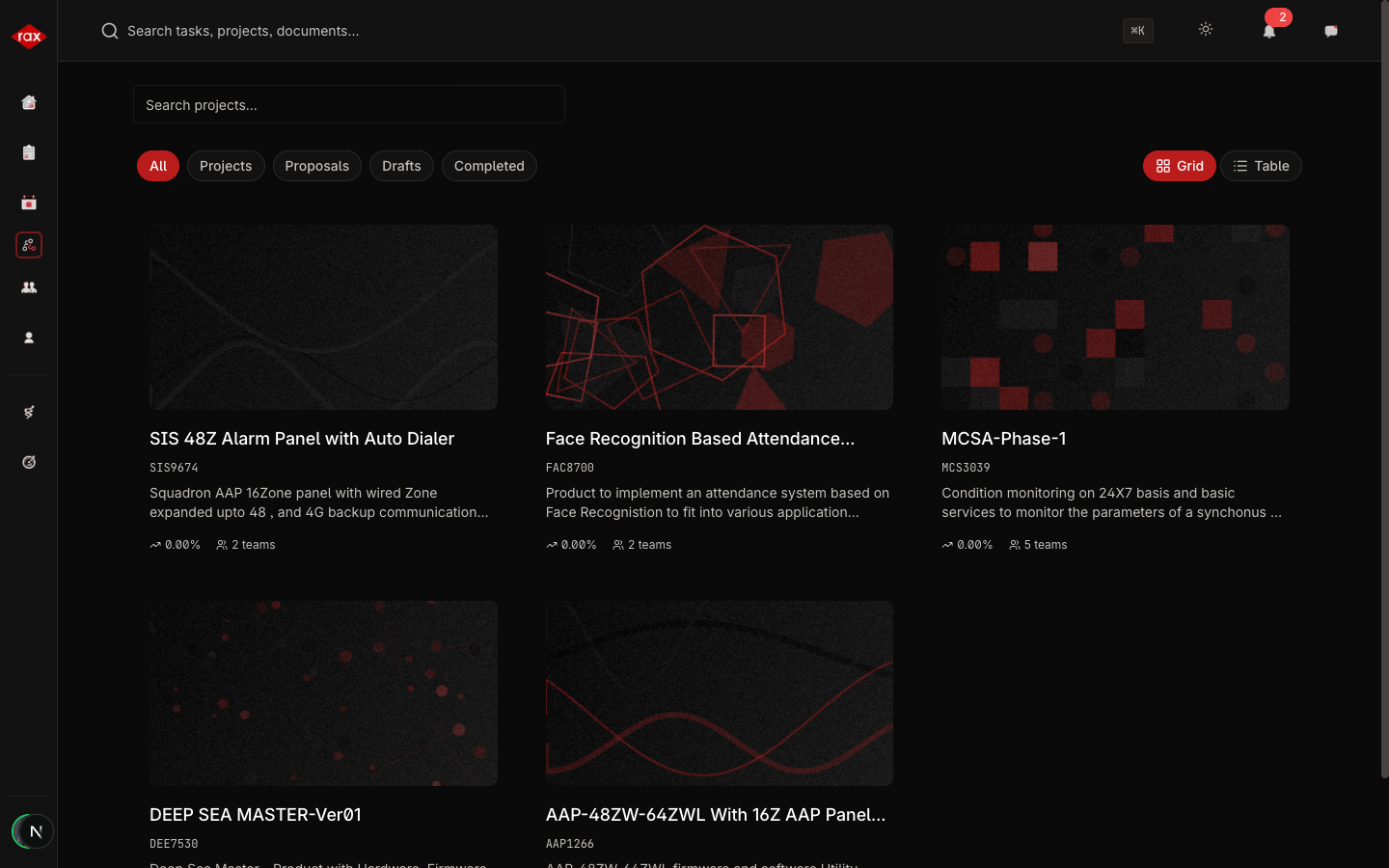
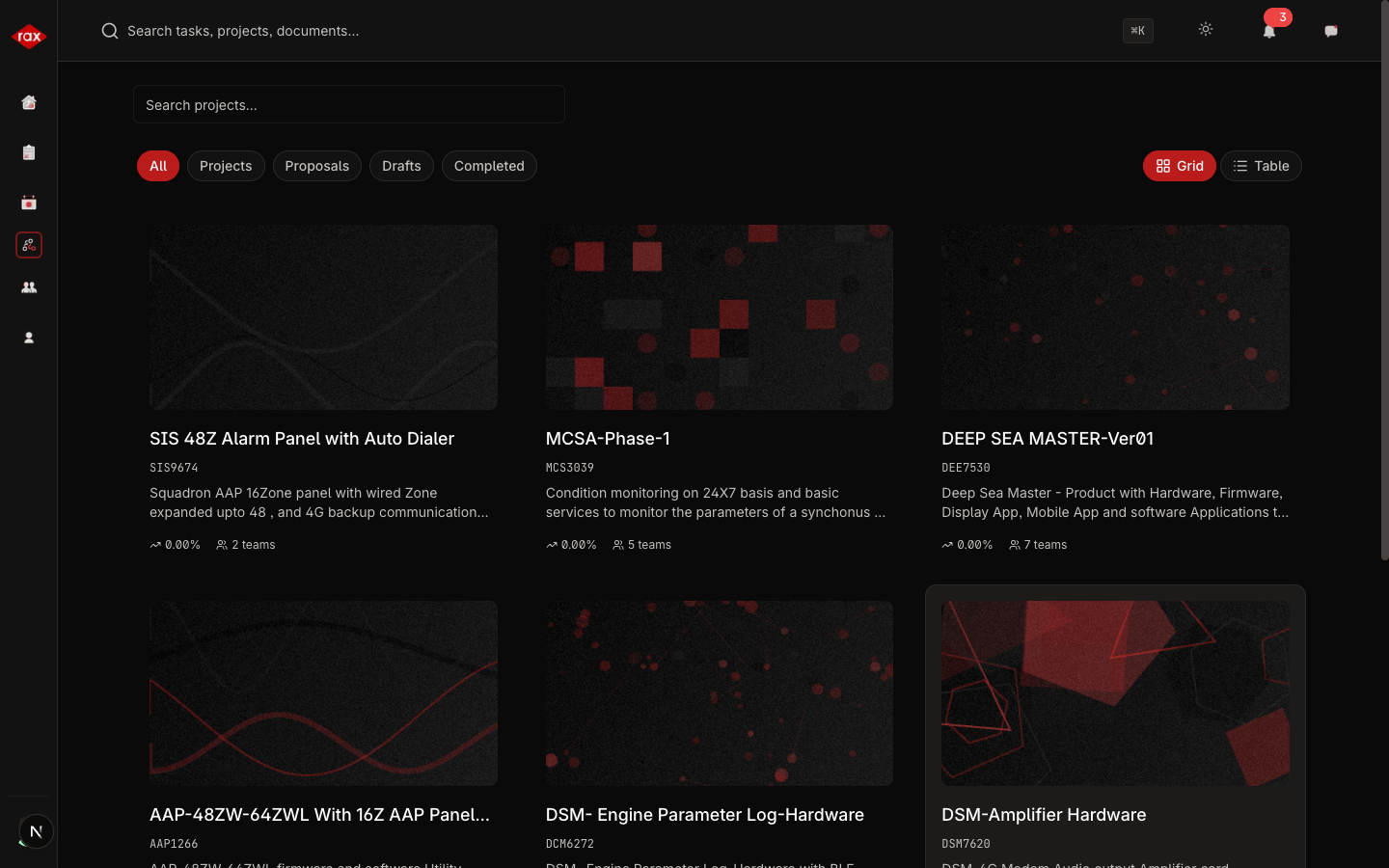
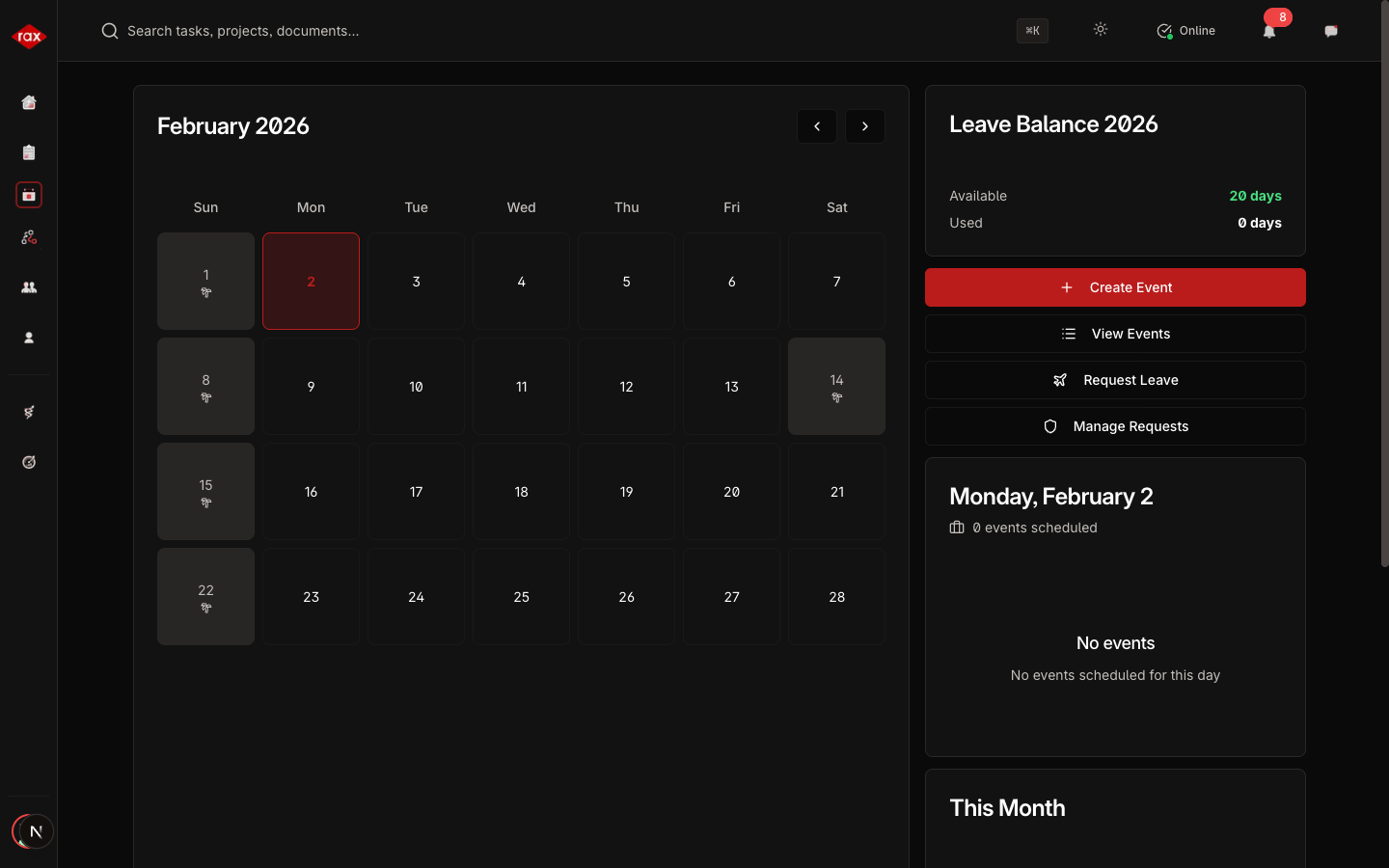
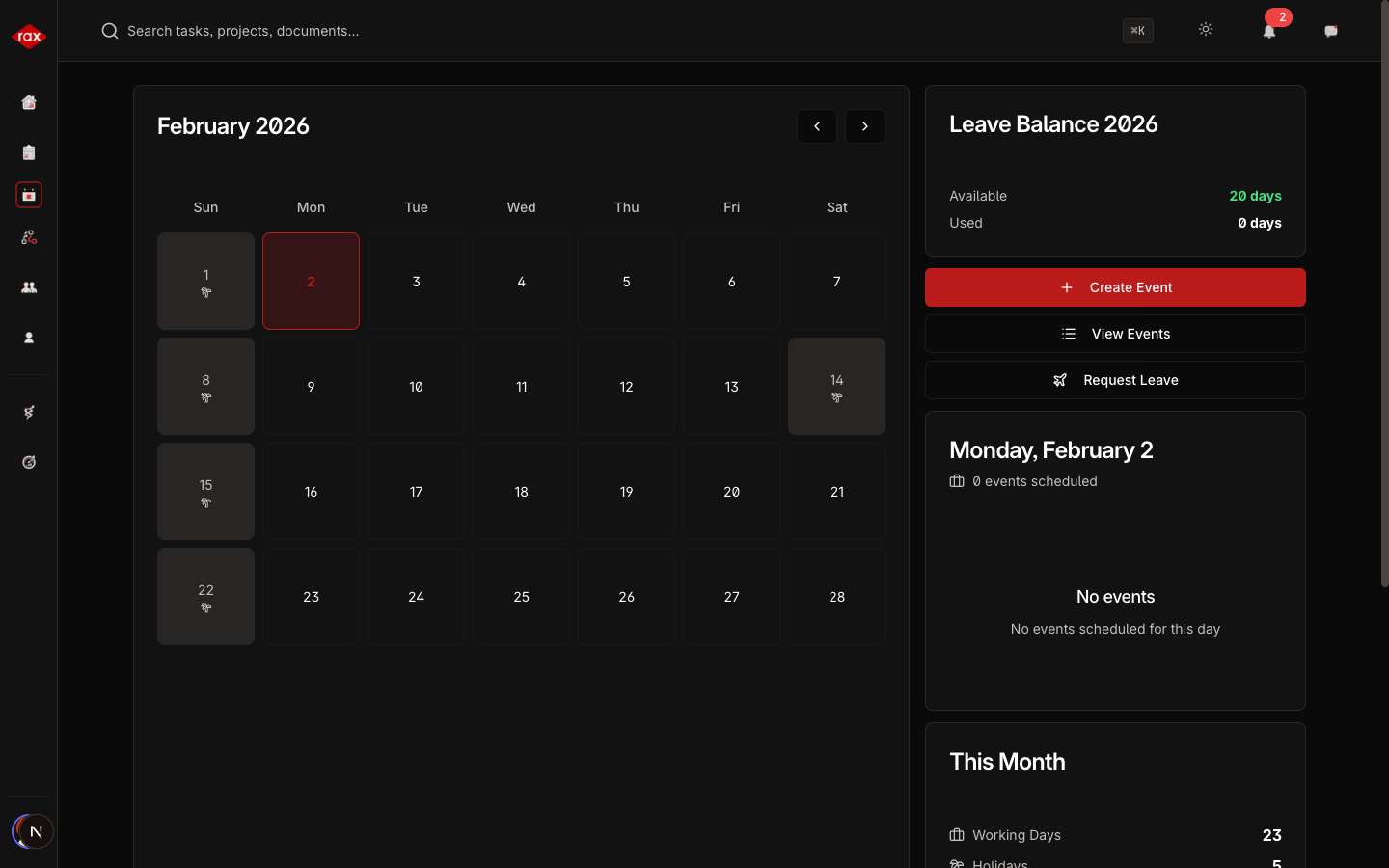
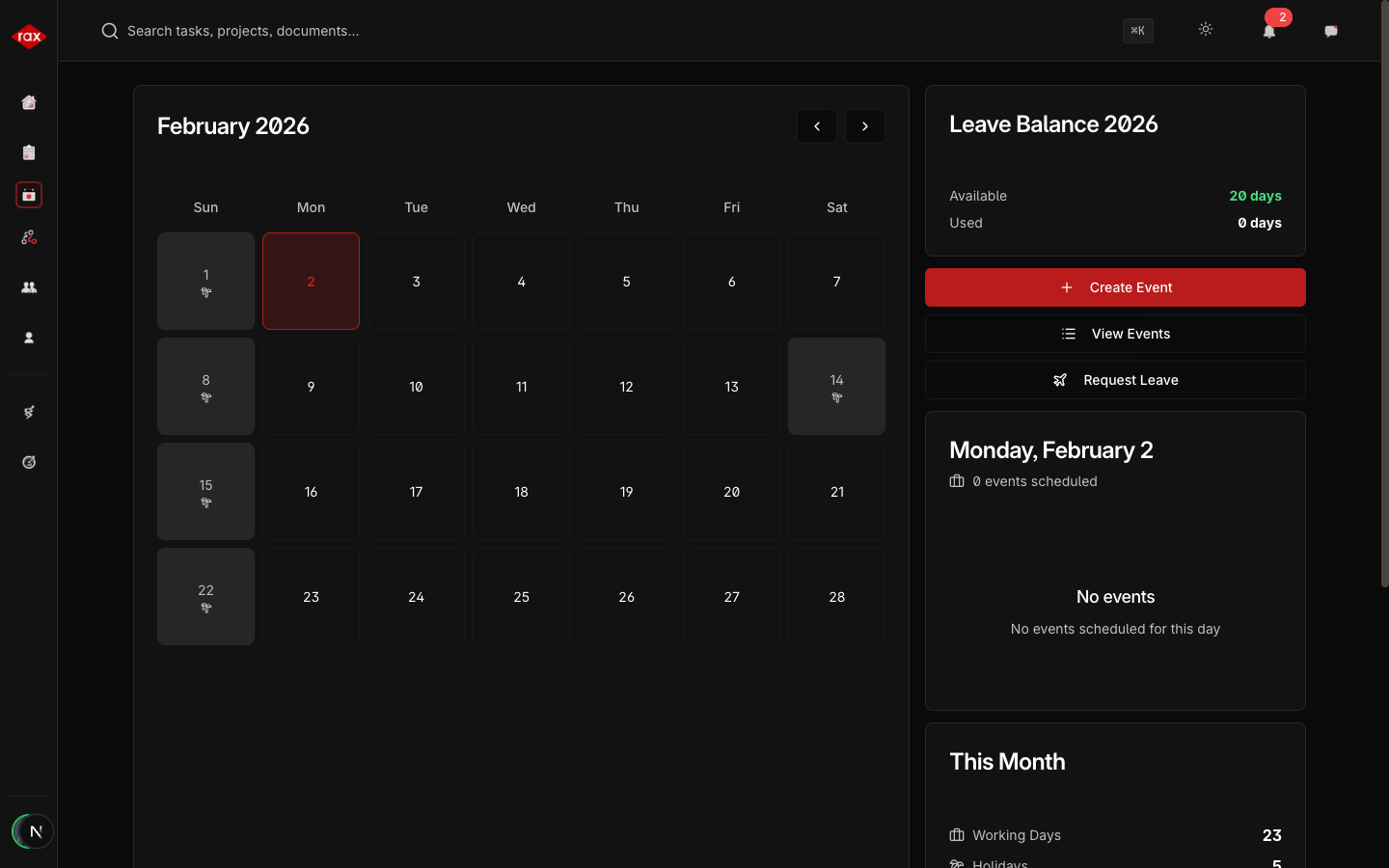
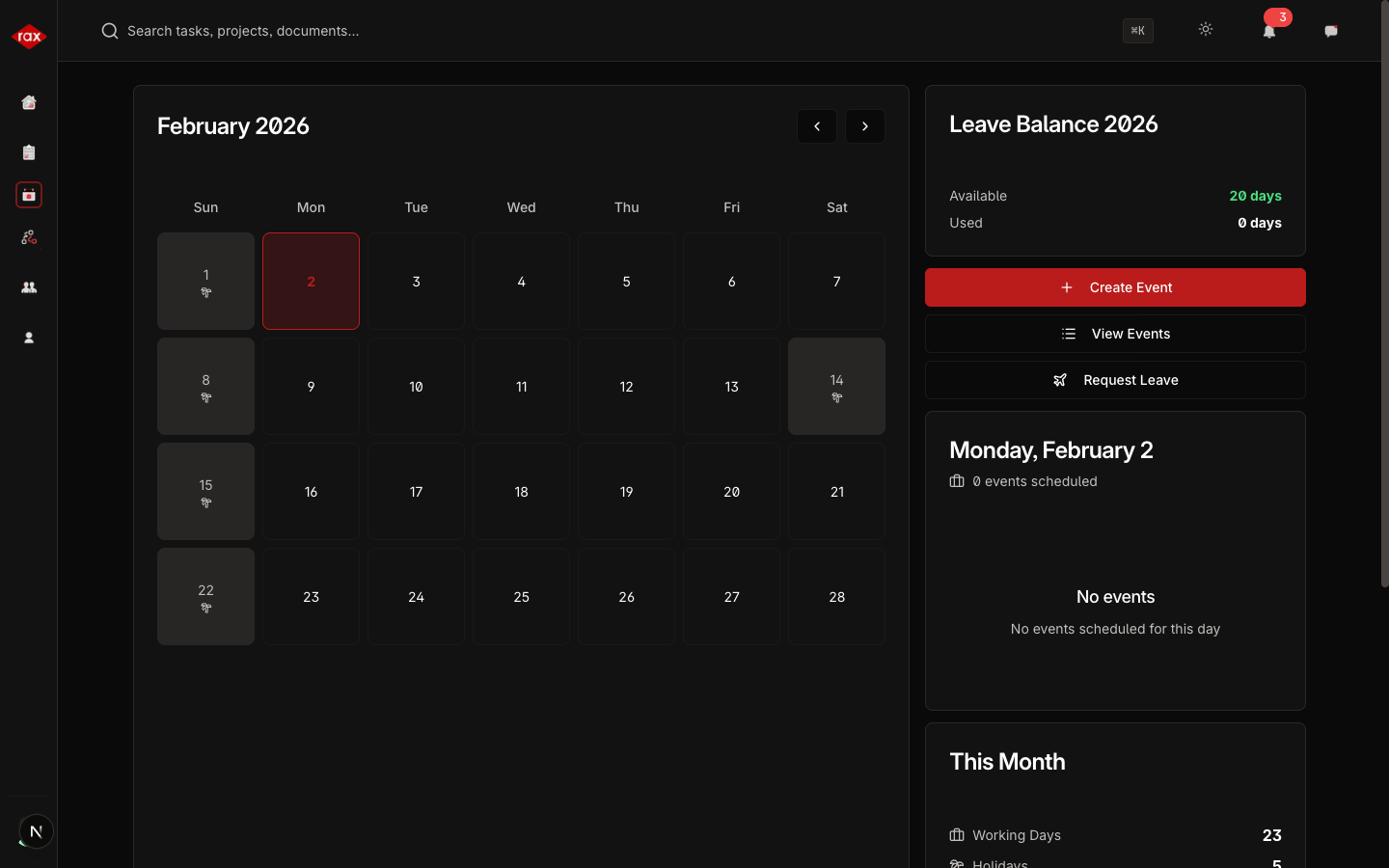
Below are screenshots of the shared features as they appear in the Operations app. The interface is identical to Development, with the addition of the Production menu in the sidebar.
Dashboard
- Admin View
- Department Lead View
- Team Lead View
- Member View
Tasks List
- Admin View
- Department Lead View
- Team Lead View
- Member View
Projects List
- Admin View
- Department Lead View
- Team Lead View
- Member View
People List
- Admin View
- Department Lead View
- Team Lead View
- Member View
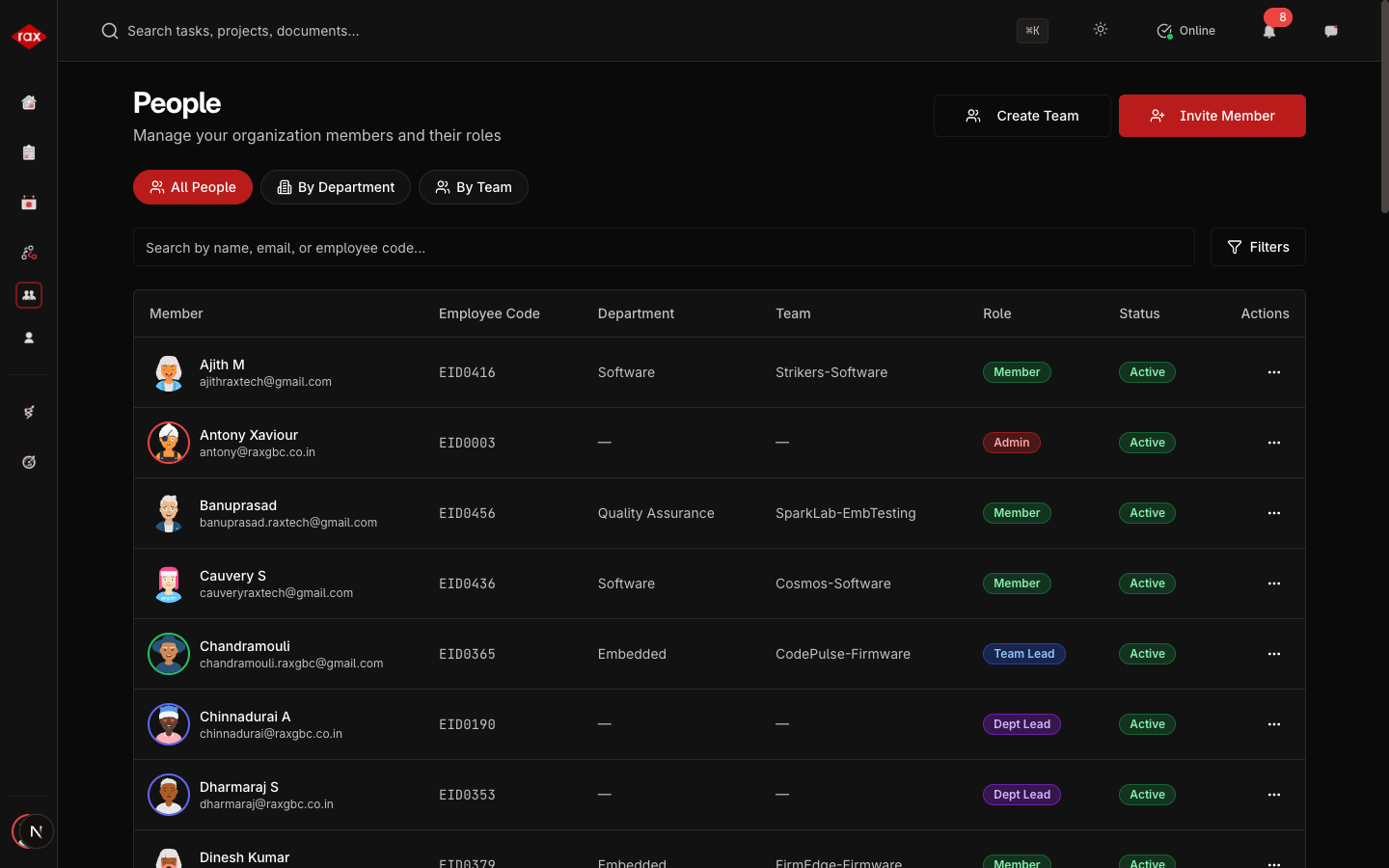
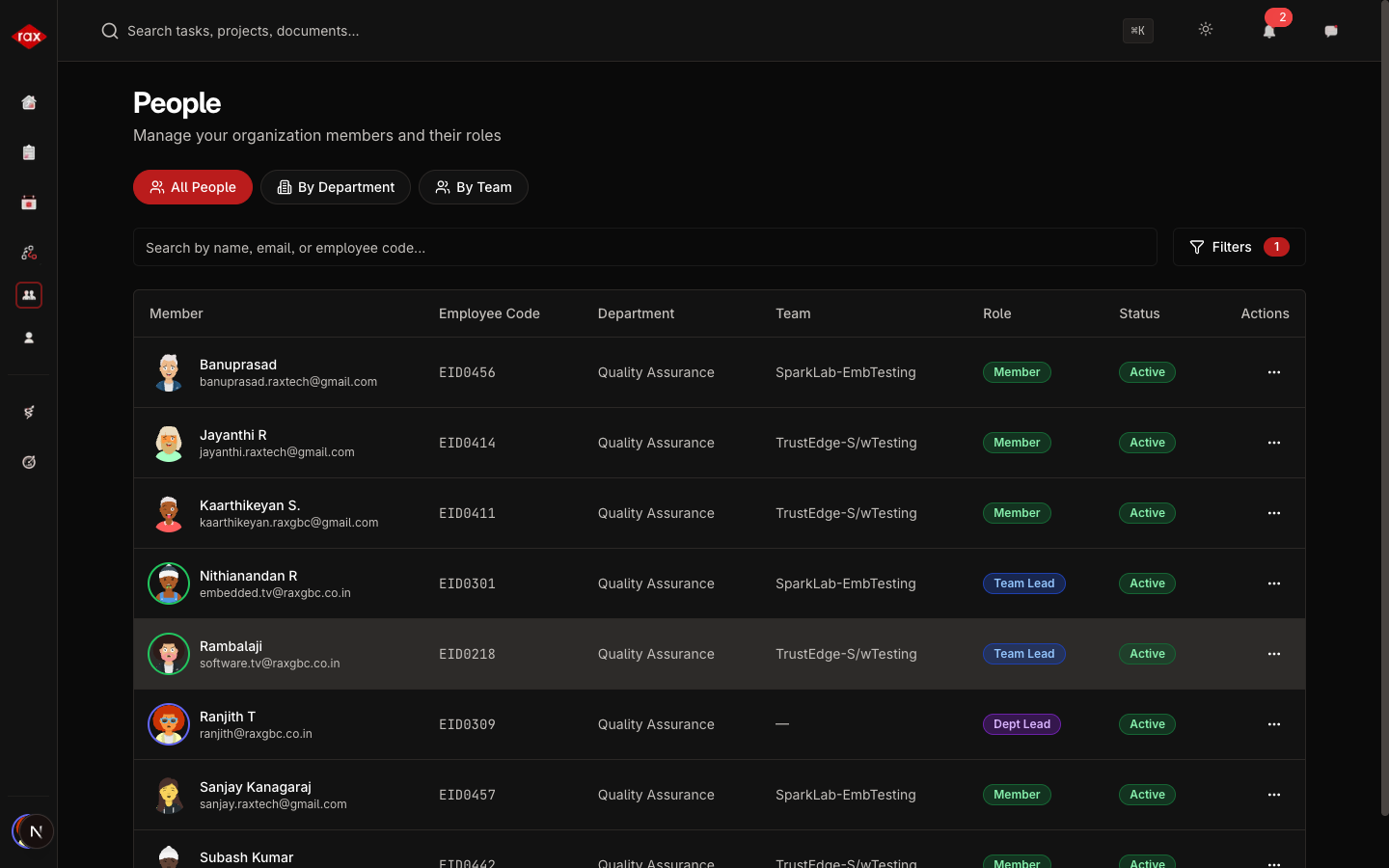
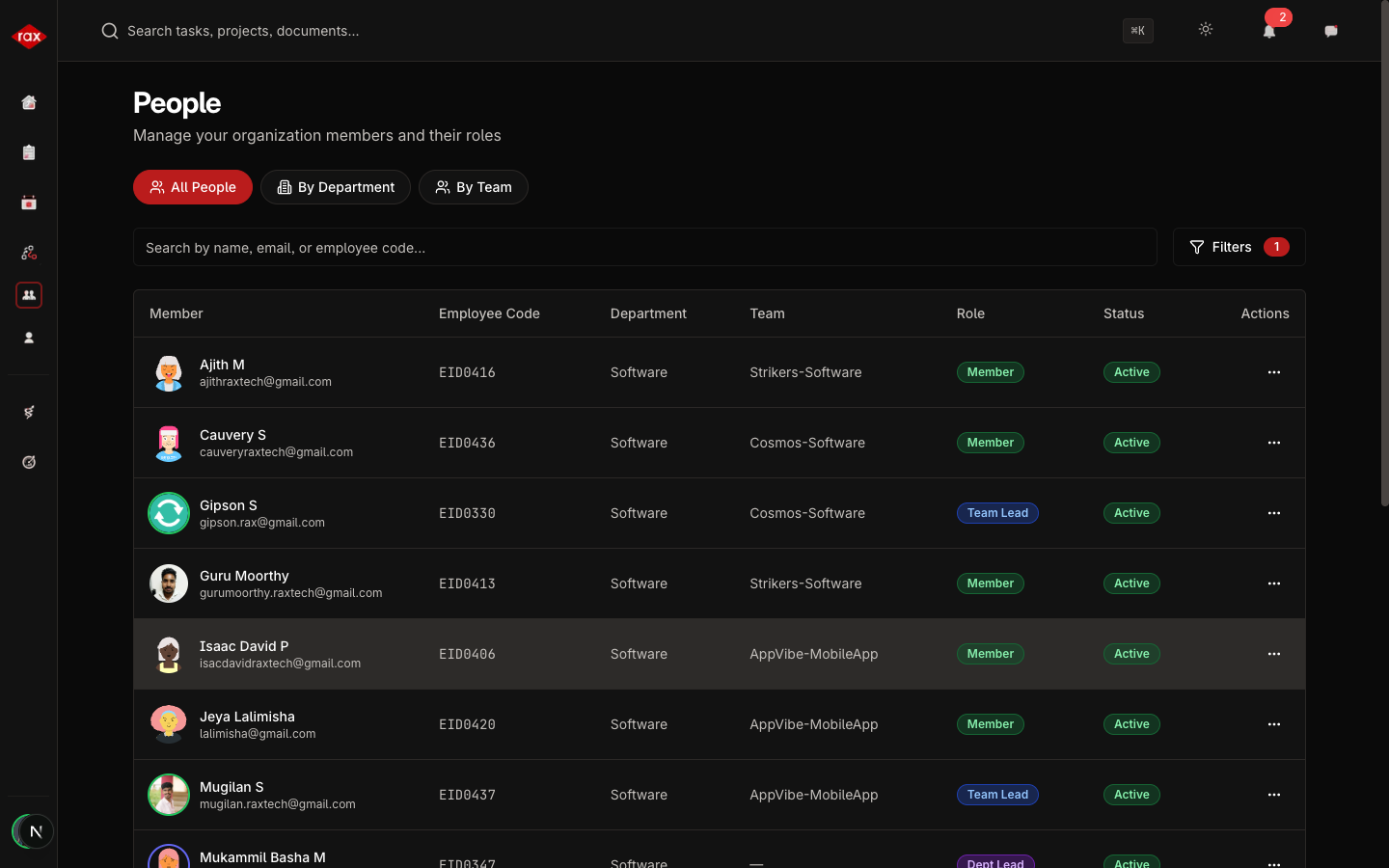
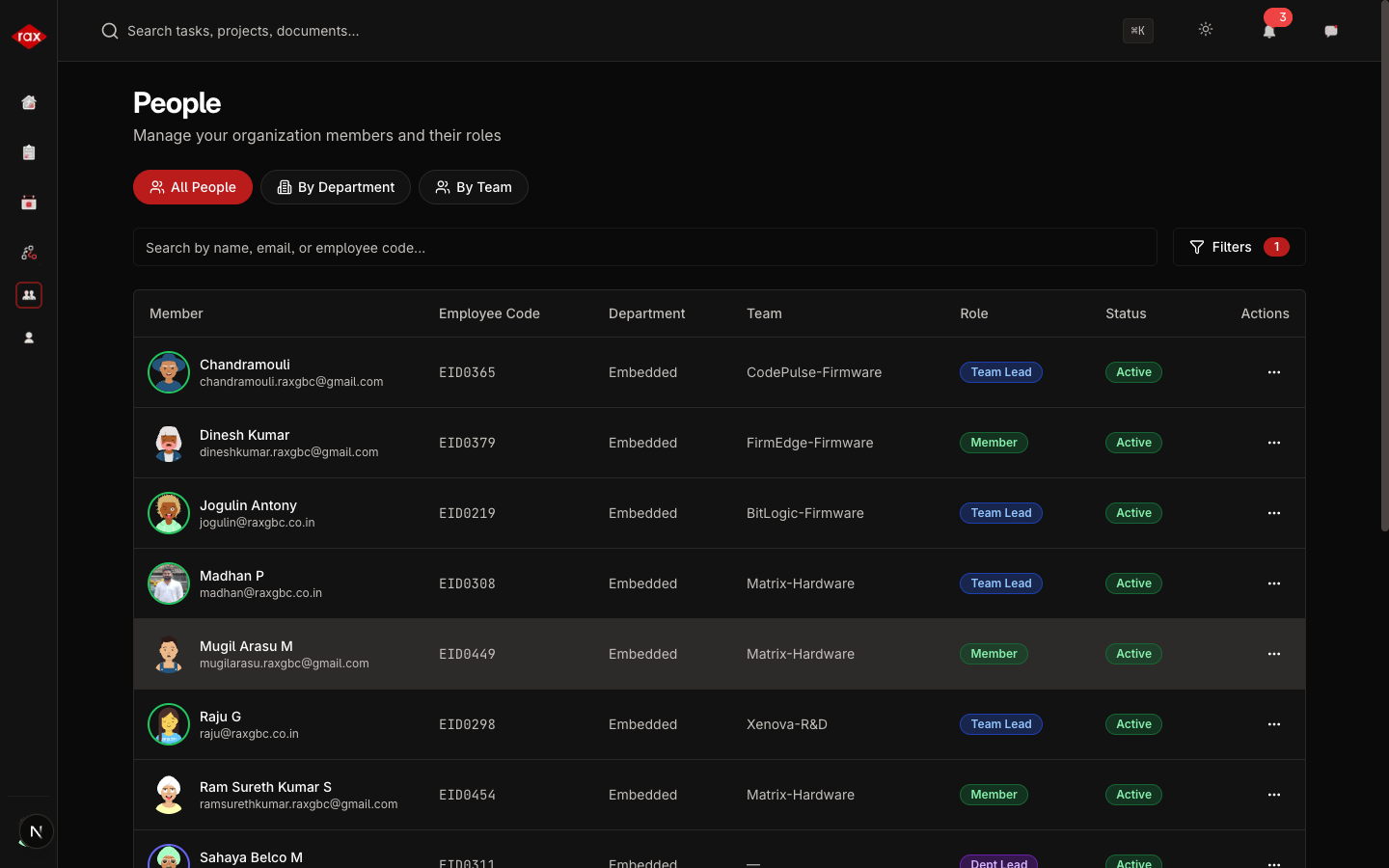
Calendar
- Admin View
- Department Lead View
- Team Lead View
- Member View
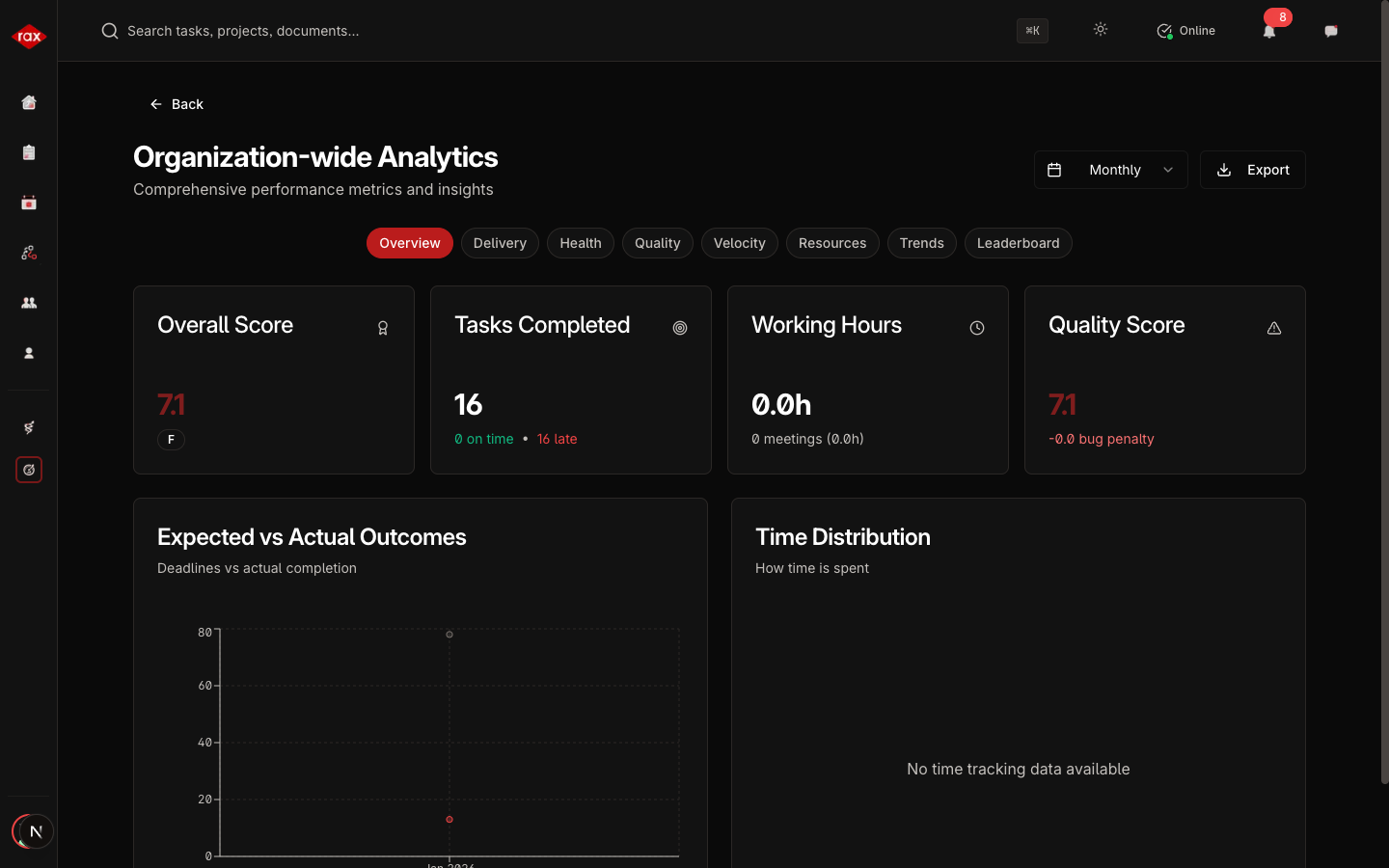
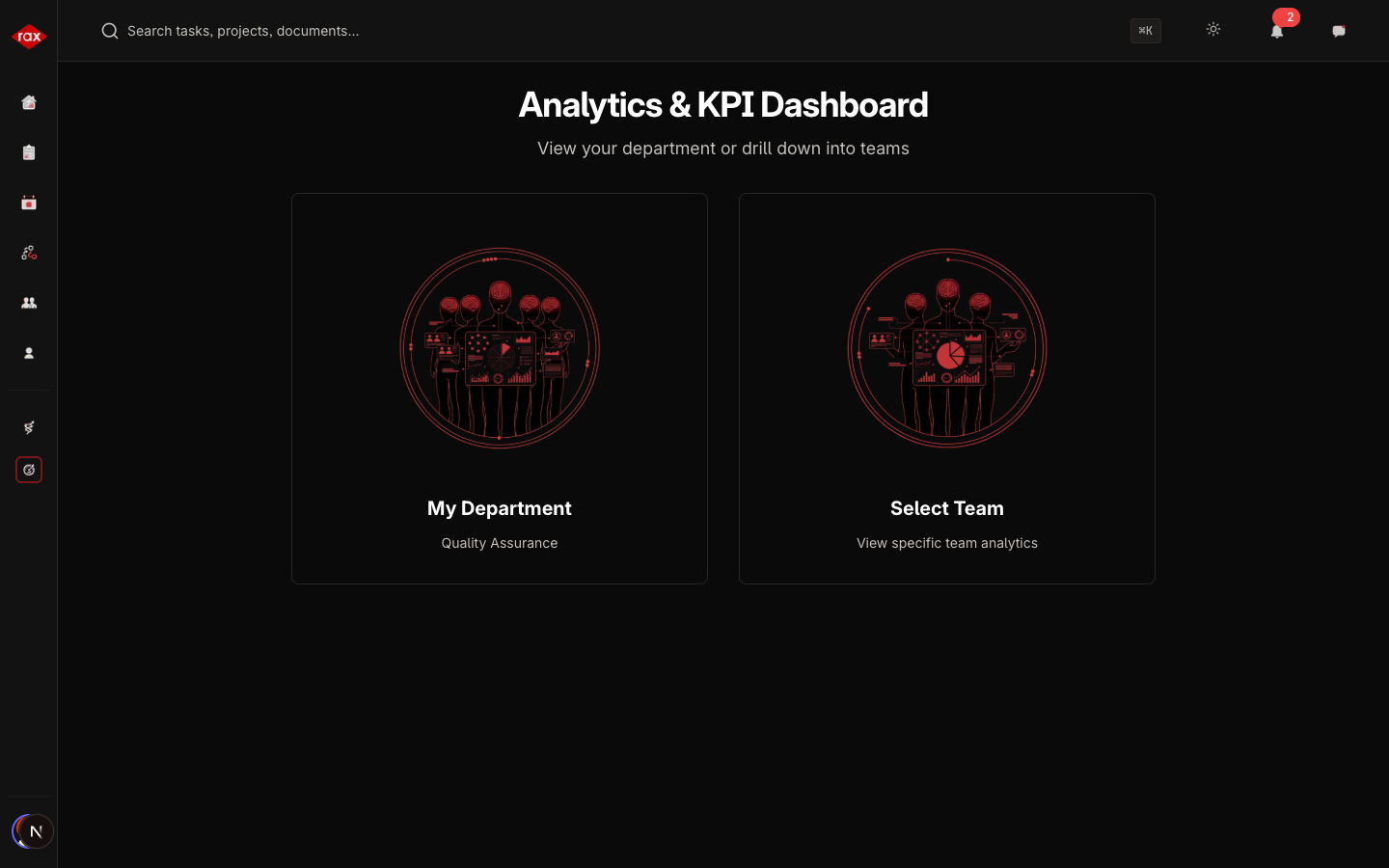
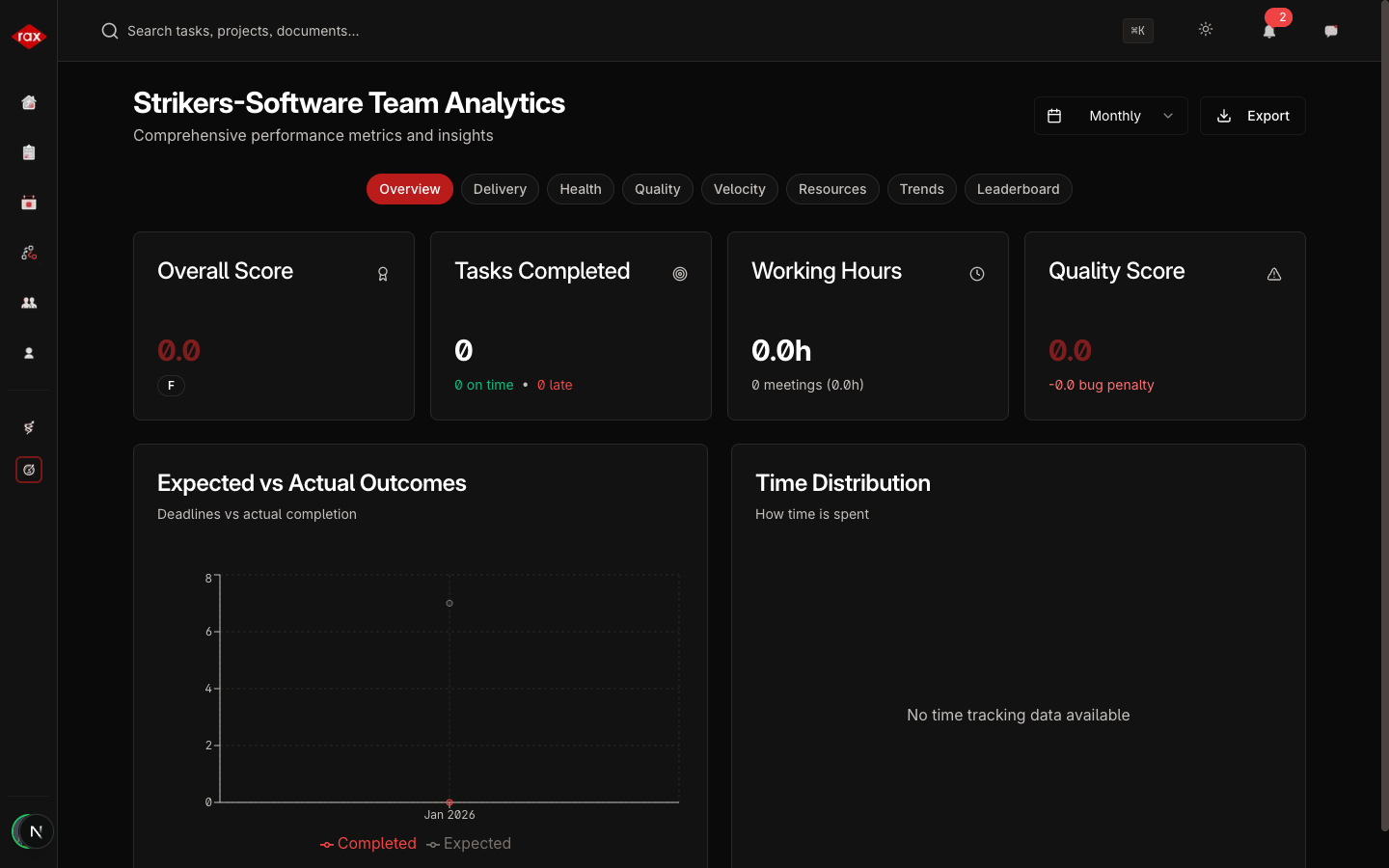
KPI Overview
- Admin View
- Department Lead View
- Team Lead View
- Member View

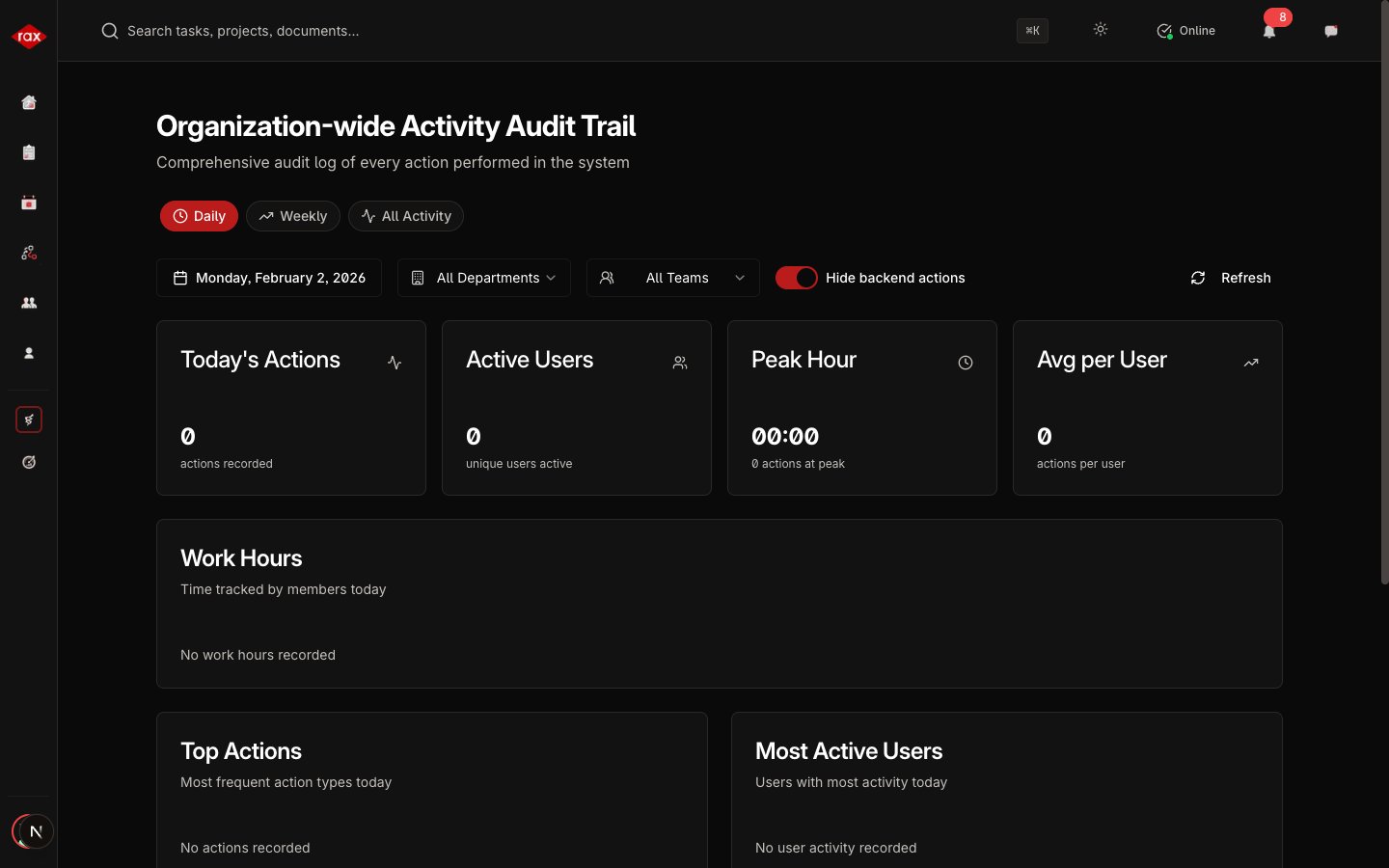
Activity Log
- Admin View
- Department Lead View
- Team Lead View
- Member View
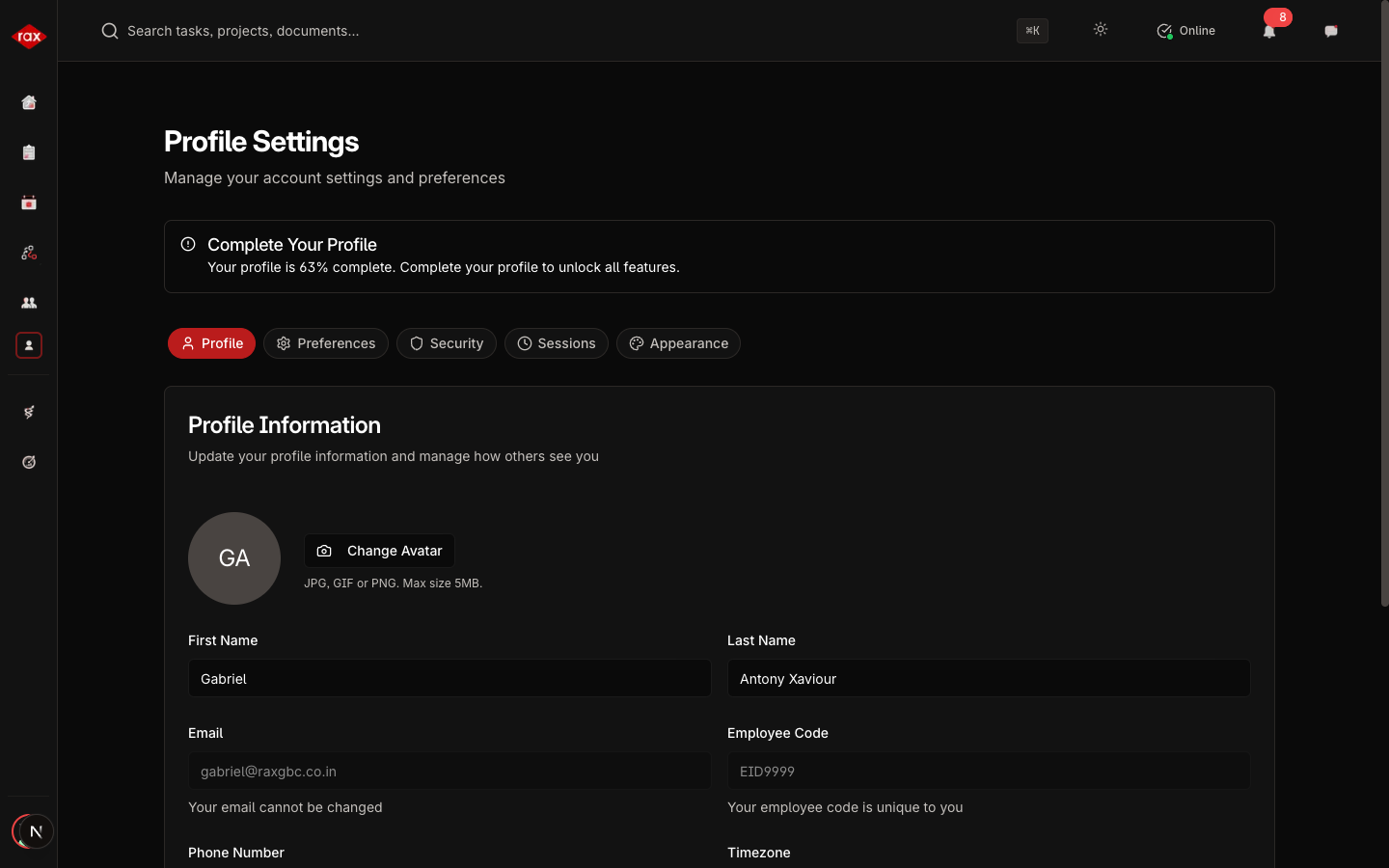
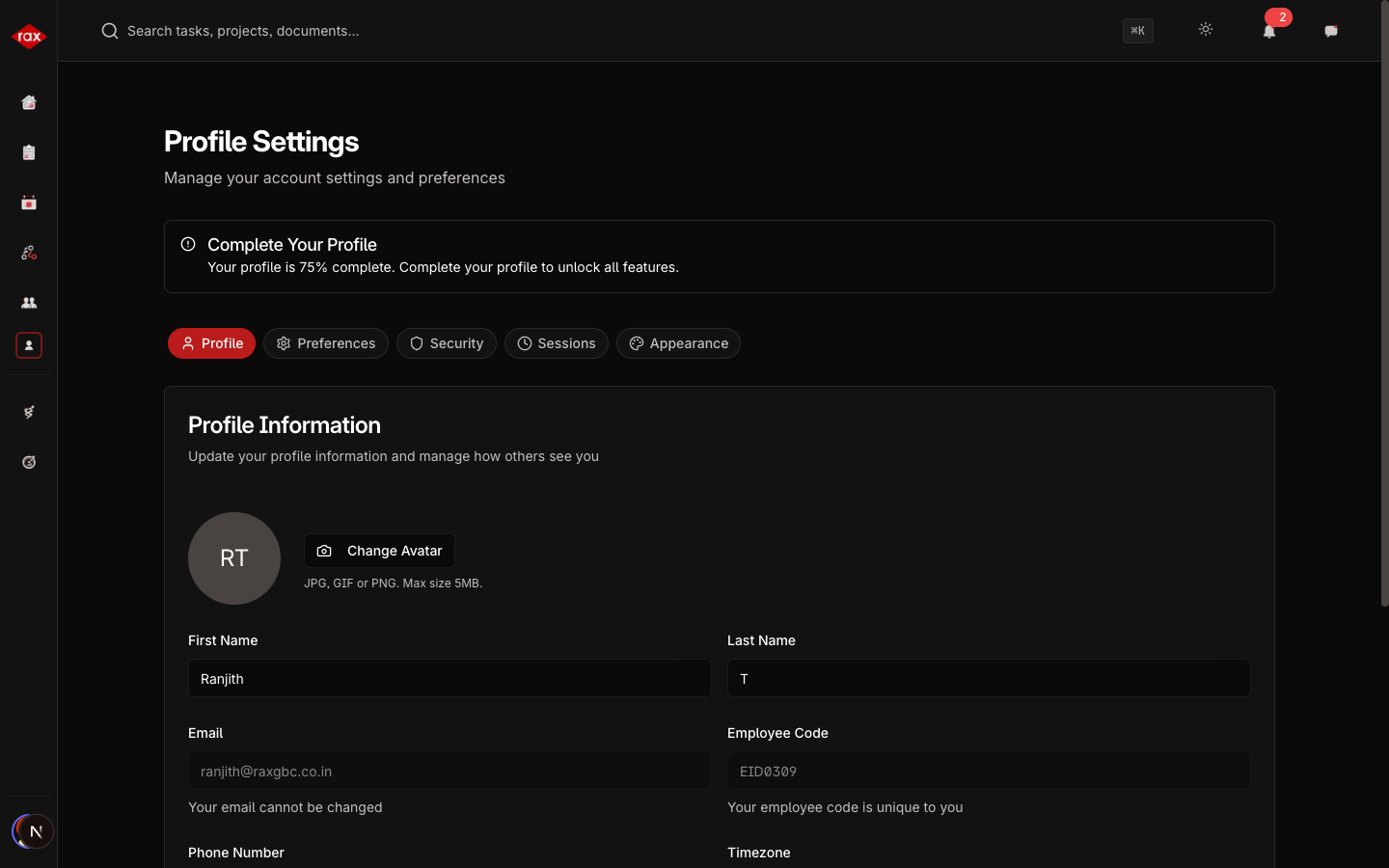
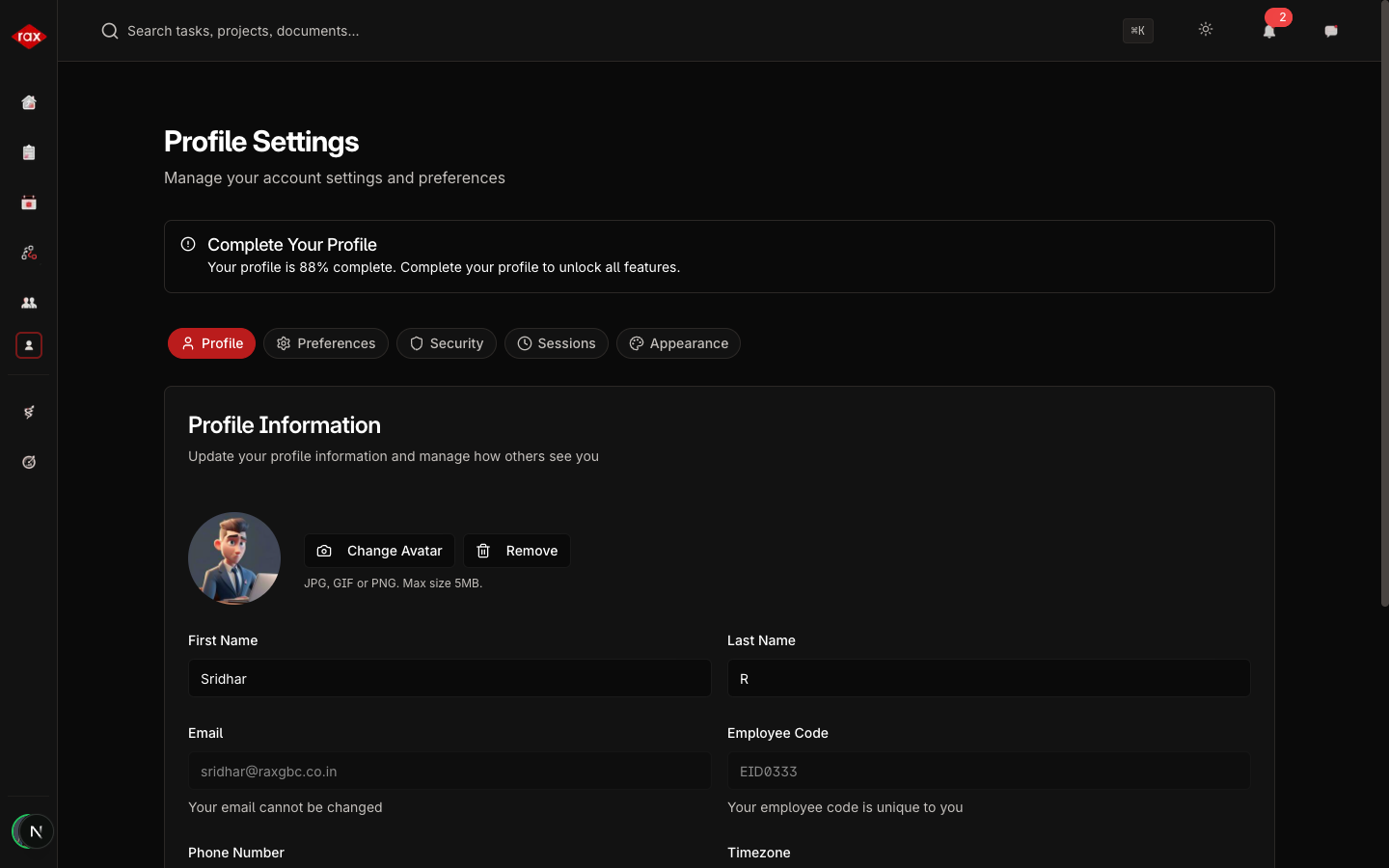
Profile Settings
- Admin View
- Department Lead View
- Team Lead View
- Member View